Toggle switch: definition and 30 real Android examples
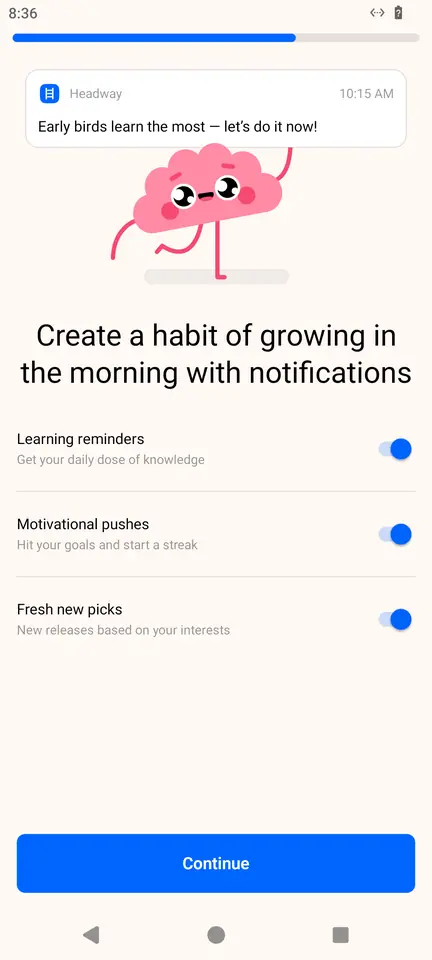
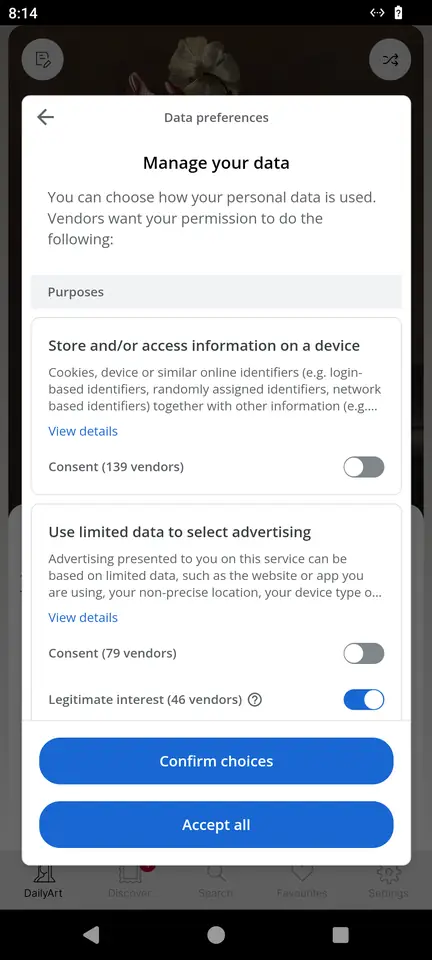
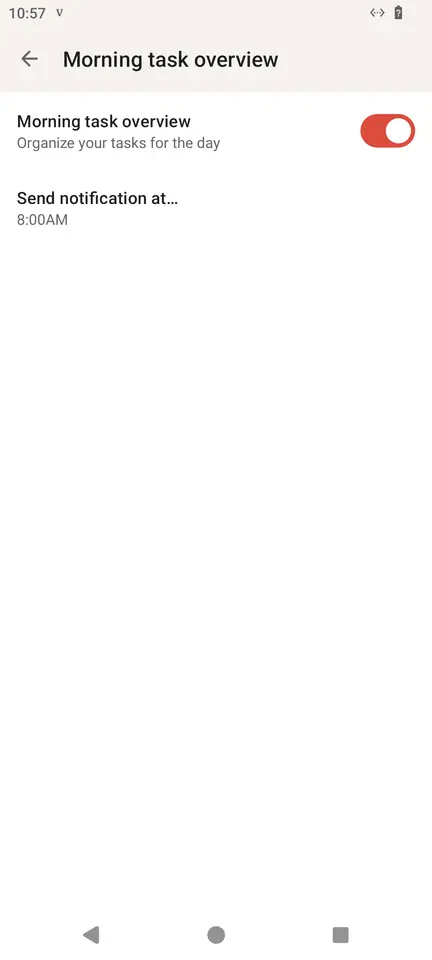
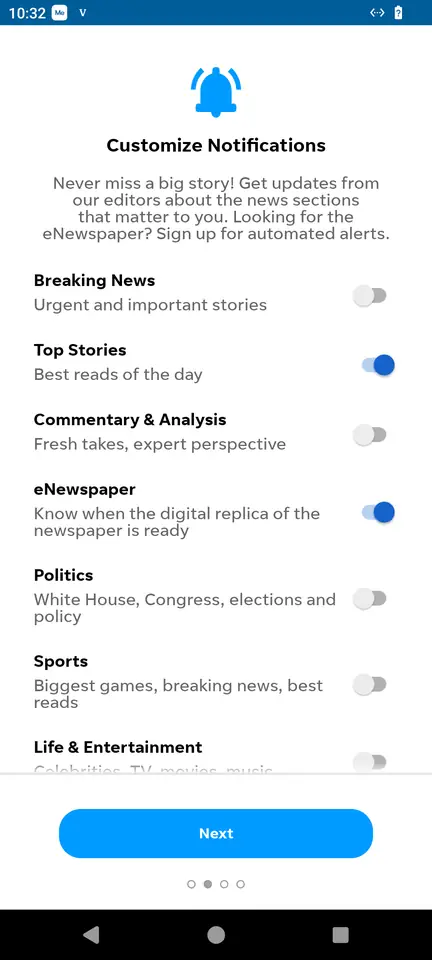
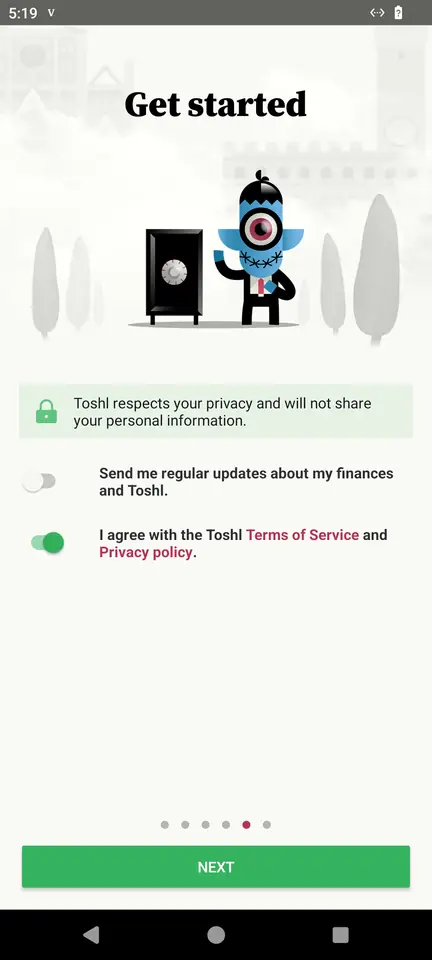
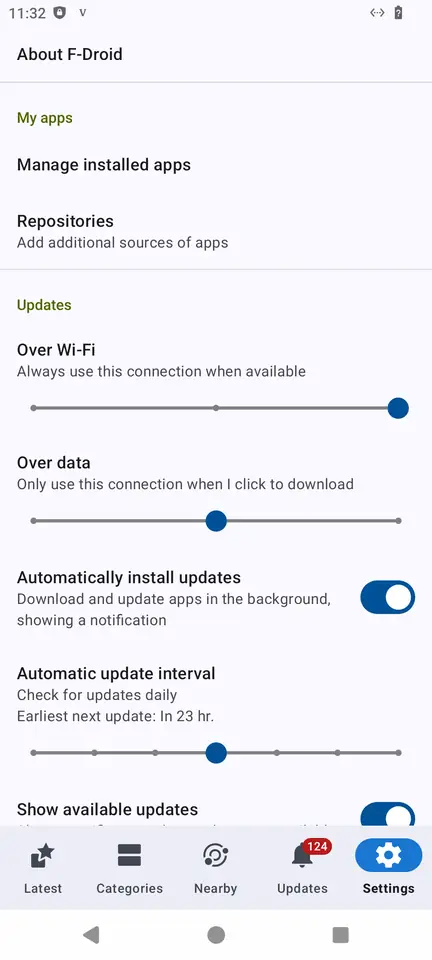
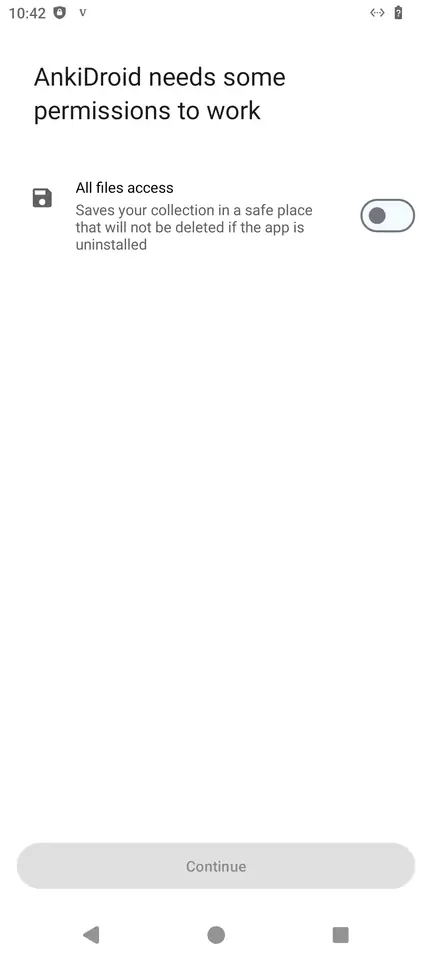
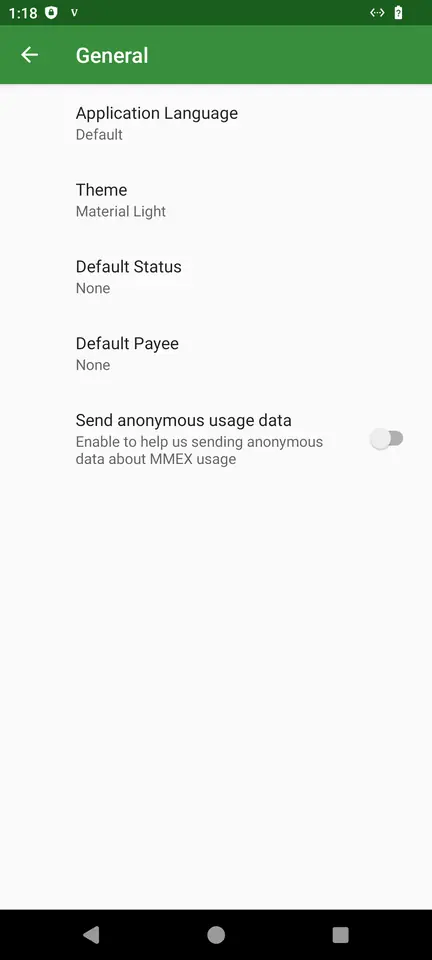
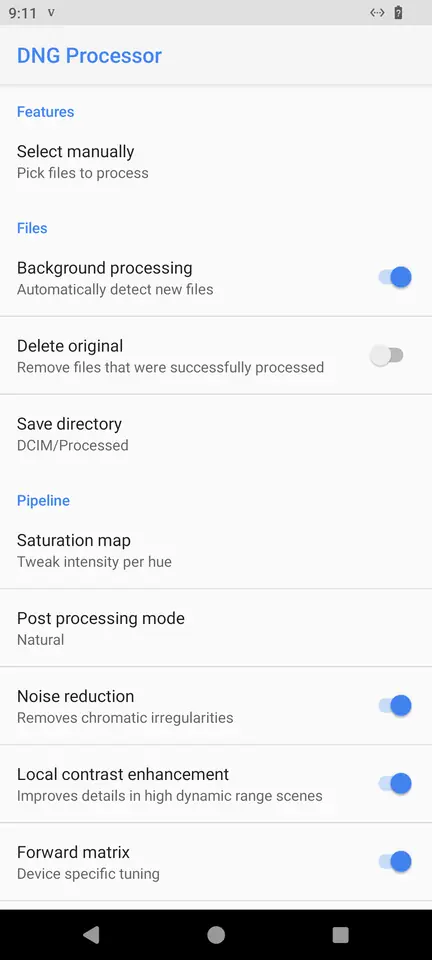
A toggle switch is an on/off control for a single setting that takes effect immediately — notifications on, dark mode off. It looks like a small track with a thumb that slides between two states.
Also called: switch, on/off switch, toggle button
Toggle switch examples, highlighted on 30 Android apps
The orange outline marks the toggle switch on each real screen, located from the app's own Android view hierarchy.
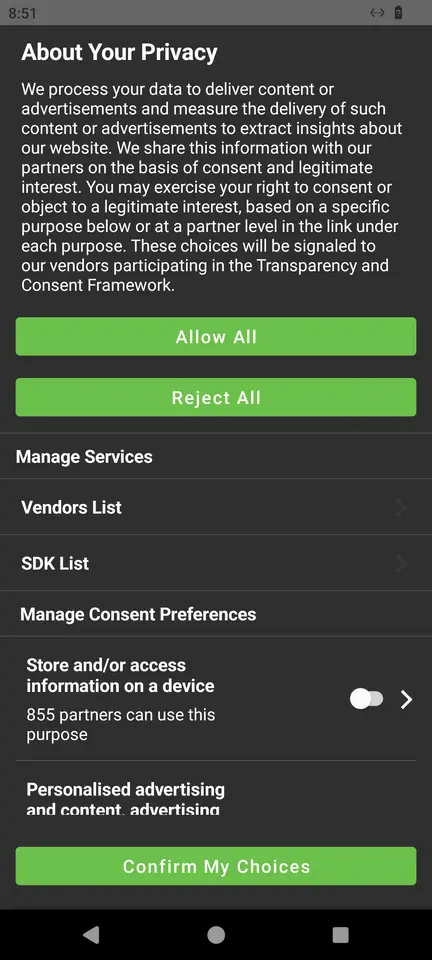
Consent
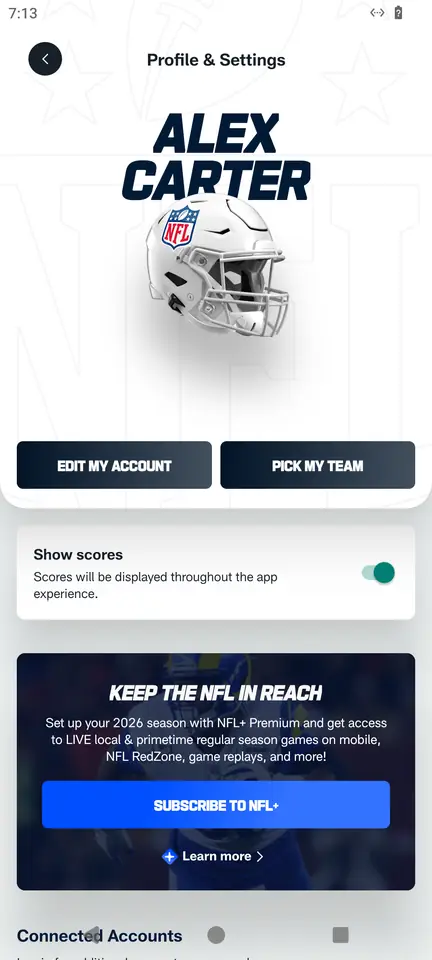
Scores toggle
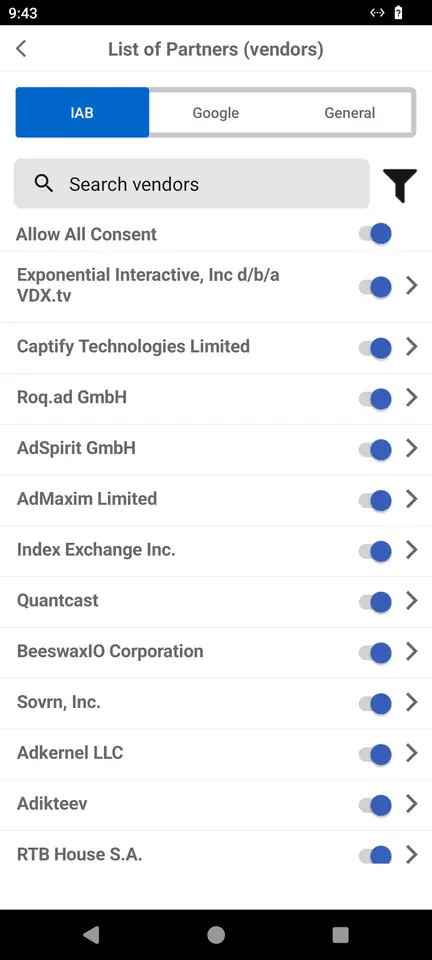
Consent

Mute
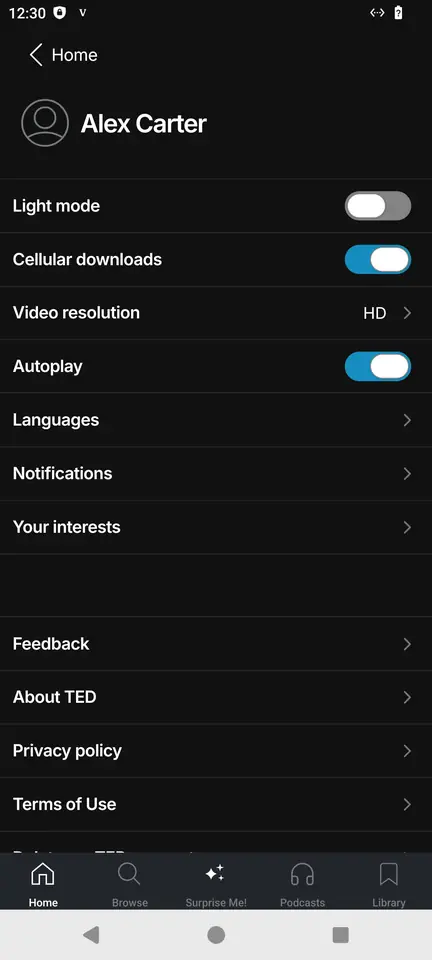
Toggle setting
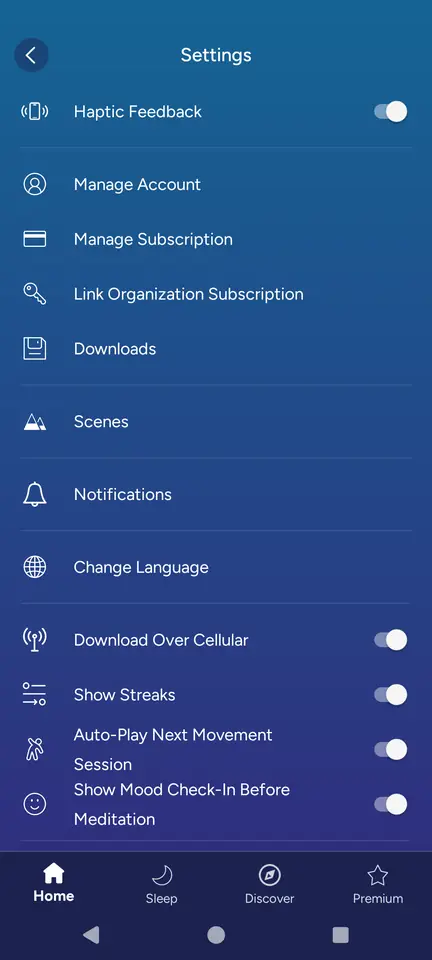
Haptic Feedback
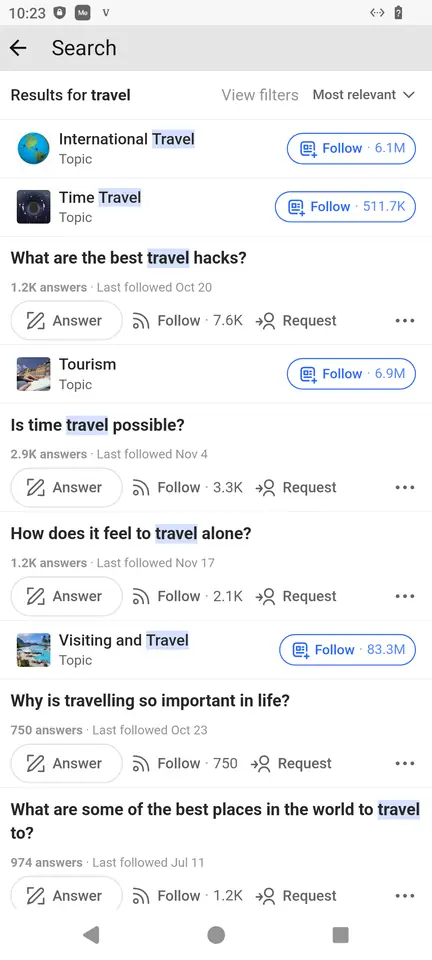
Follow · 6.1M
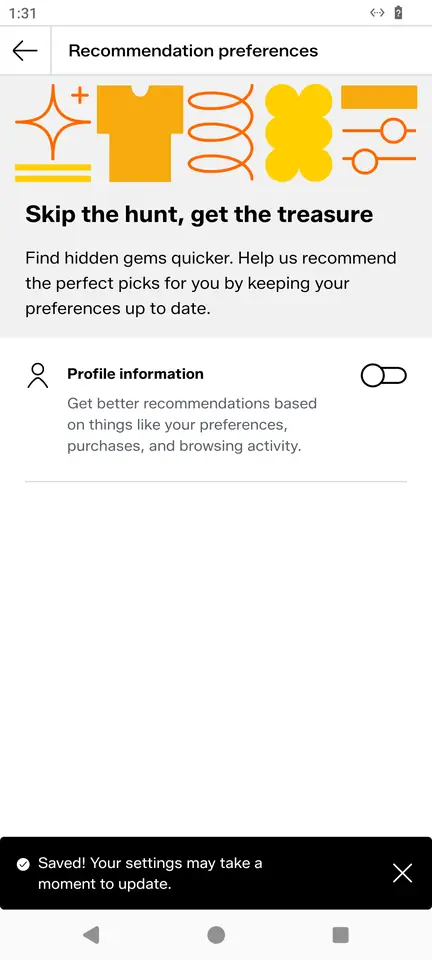
Profile information
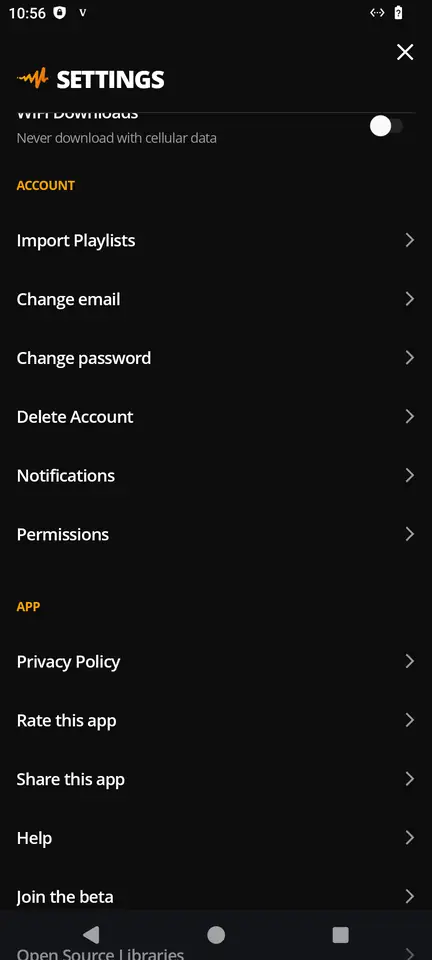
Data Saver
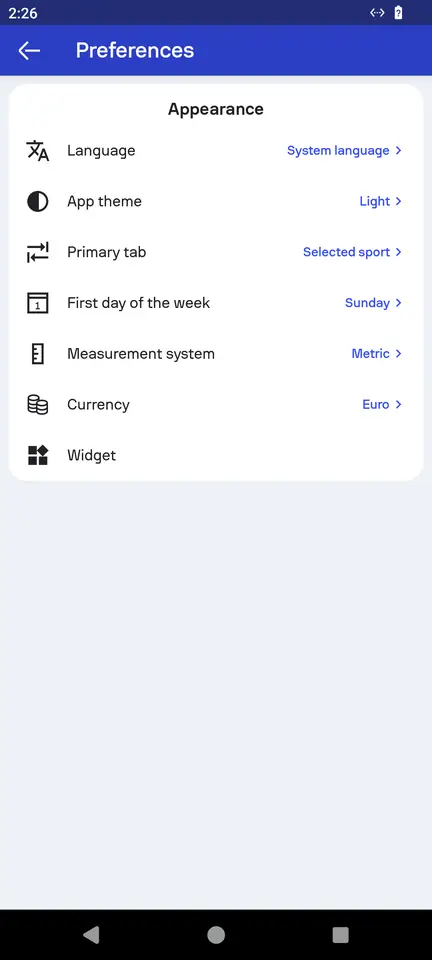
Text-to-speech
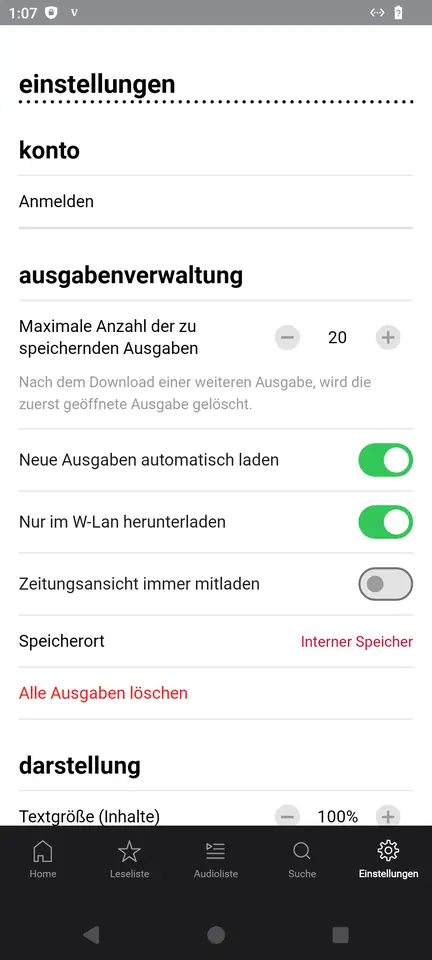
Neue Ausgaben automatisch laden
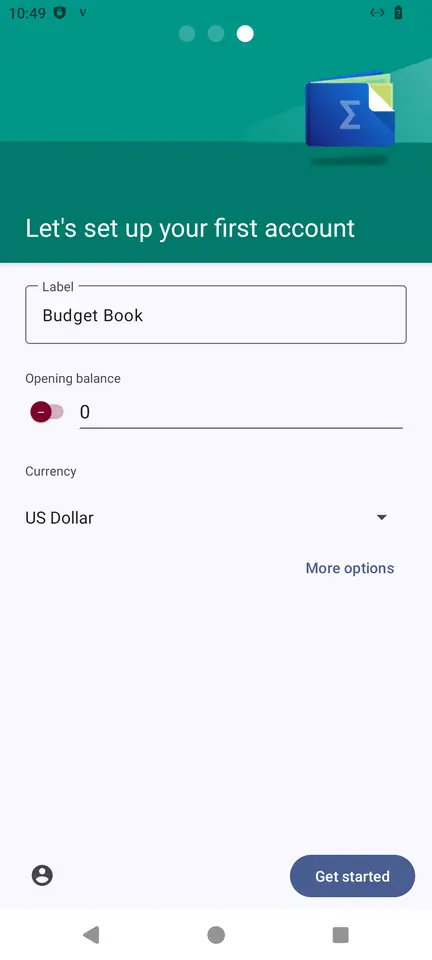
Opening balance : Expense
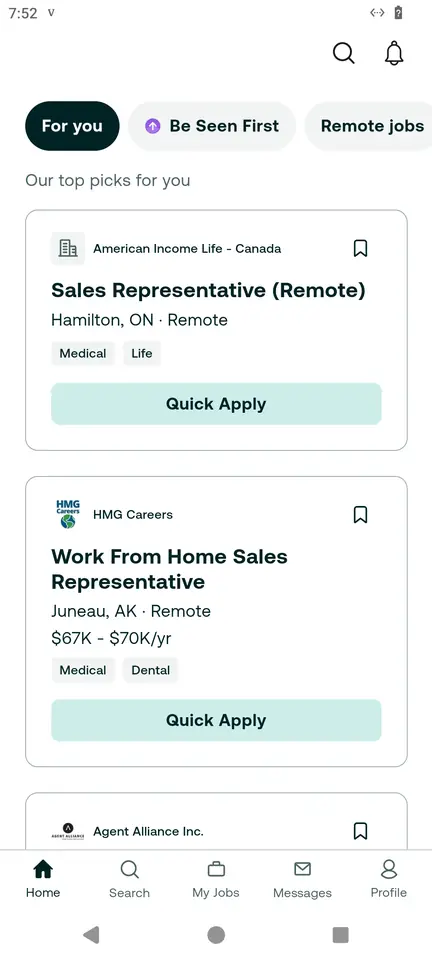
Save job for later
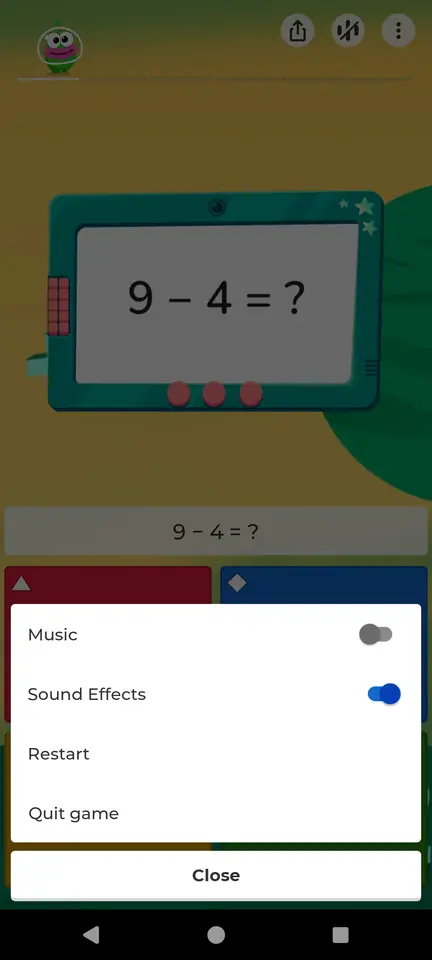
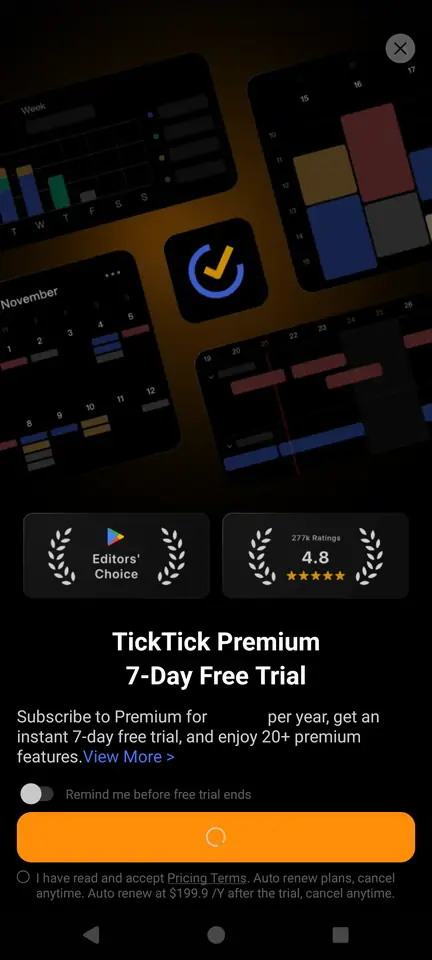
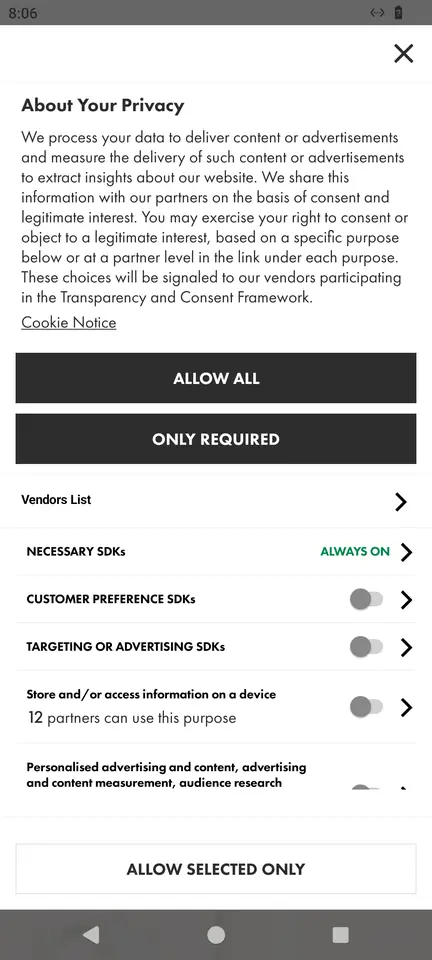
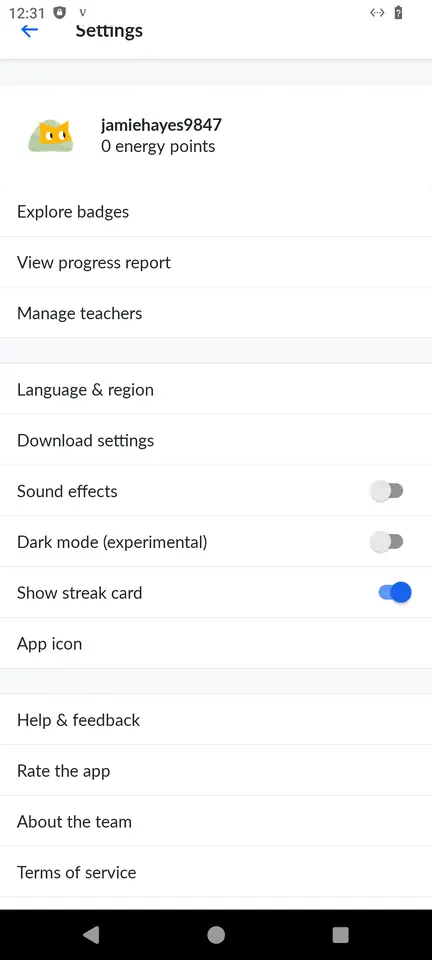
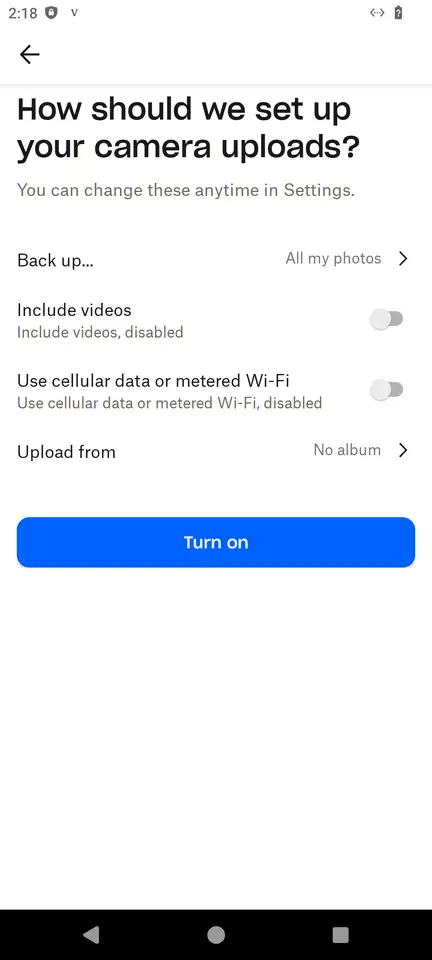
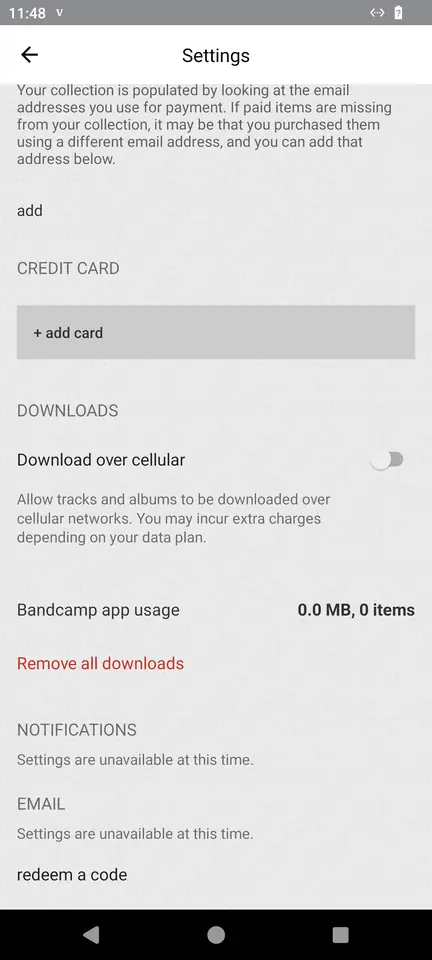
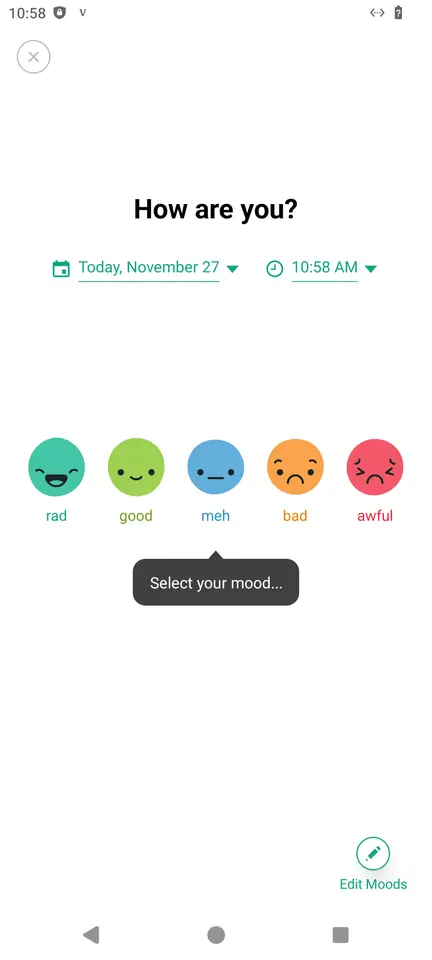
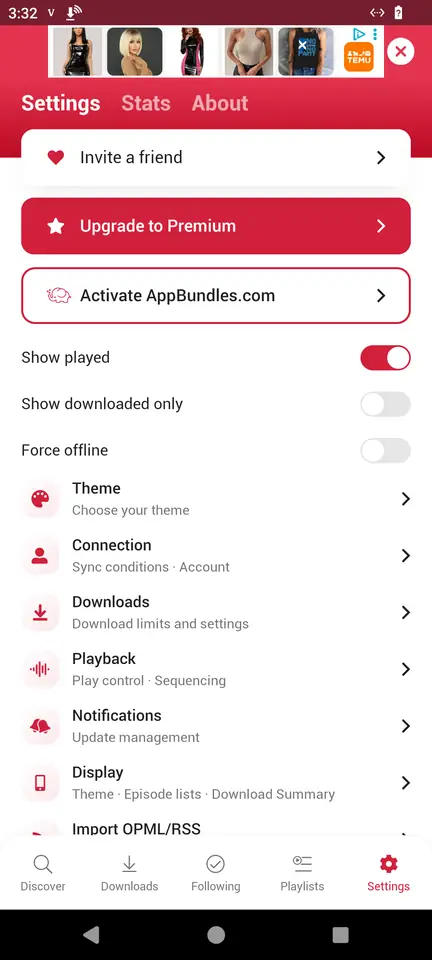
On Android
Switch / SwitchMaterial / SwitchCompat in Views, Switch in Compose. A ToggleButton is the older text-labelled variant.
Best practices
- Use a switch only when the change applies instantly; use a checkbox when the user must press Save.
- Label the setting, not the state (“Push notifications”, not “On”).
- Make the whole row tappable, not only the small thumb.
- Do not use a switch for choices that are not on/off.
Where it shows up
Screens showing the component, by flow step type.
By app category
Apps showing the component, by category · 30 of 256 apps in the library.
Full flows with toggle switchs
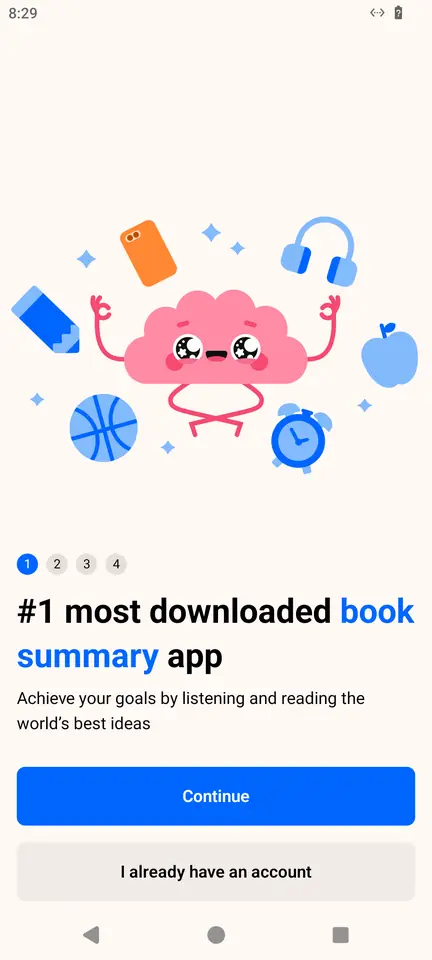

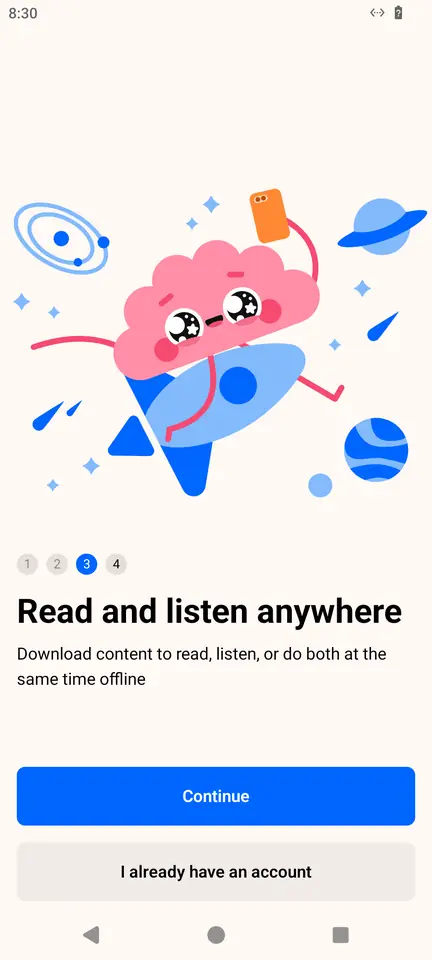
Headway · Onboarding
22 screens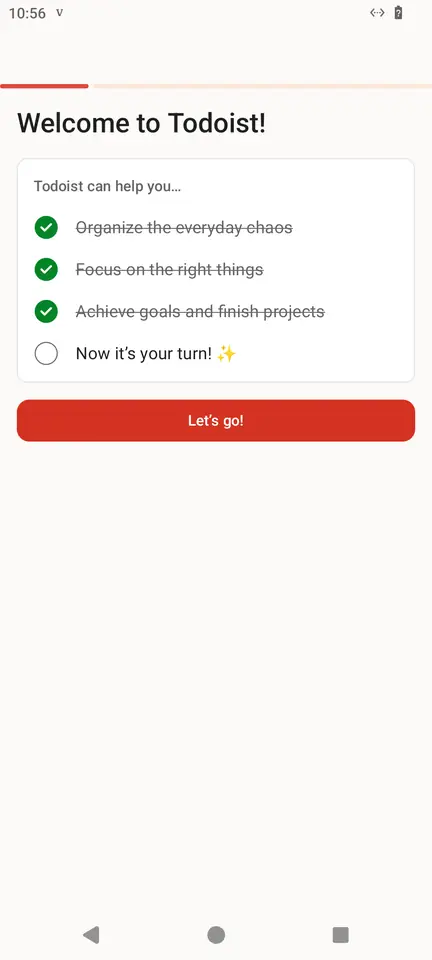
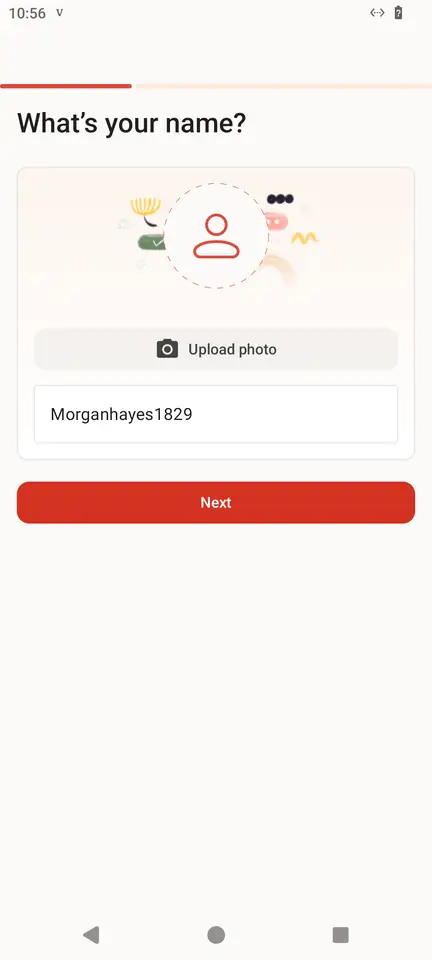
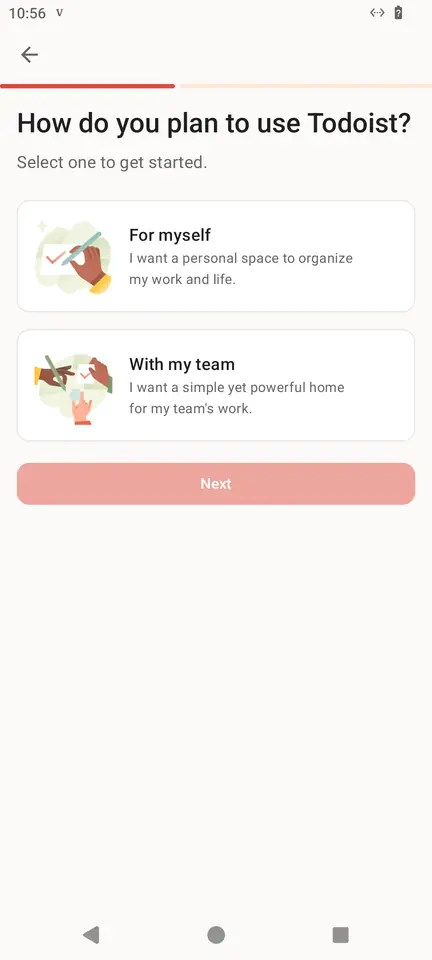
Todoist · Onboarding
15 screens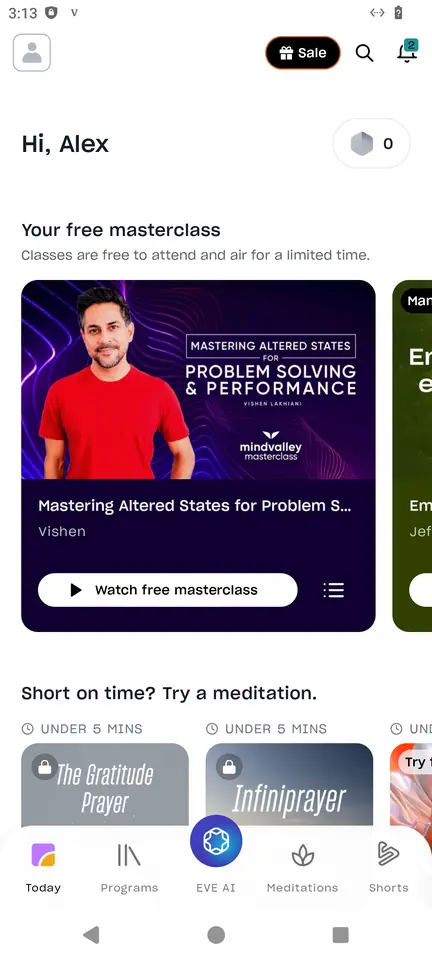
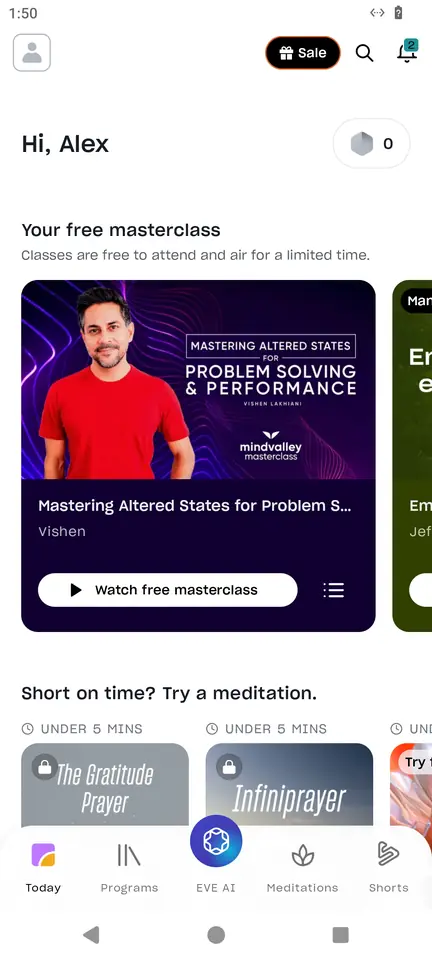

Mindvalley · Home & browsing
13 screens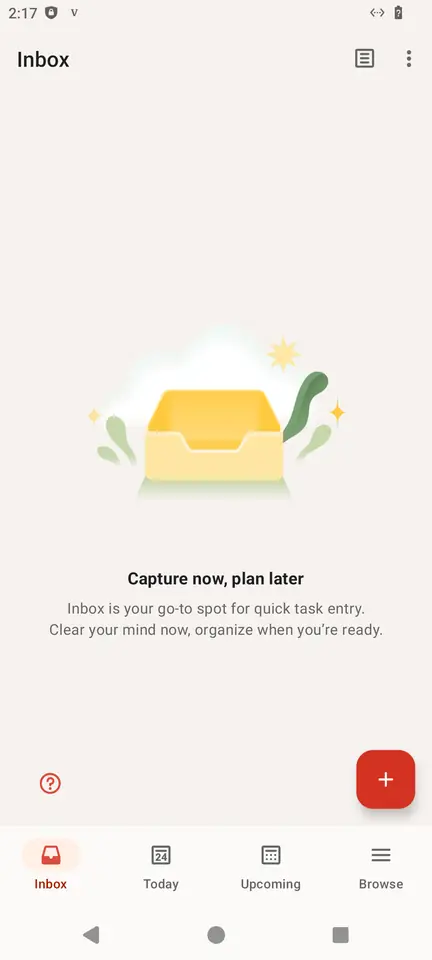
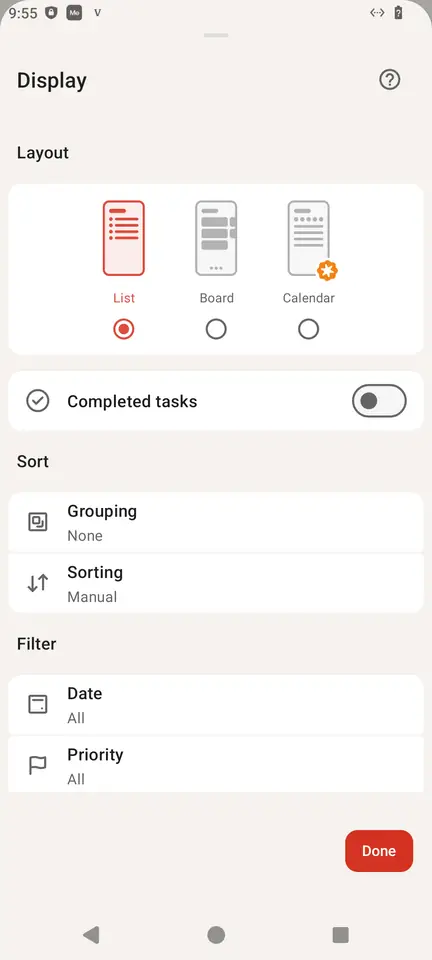
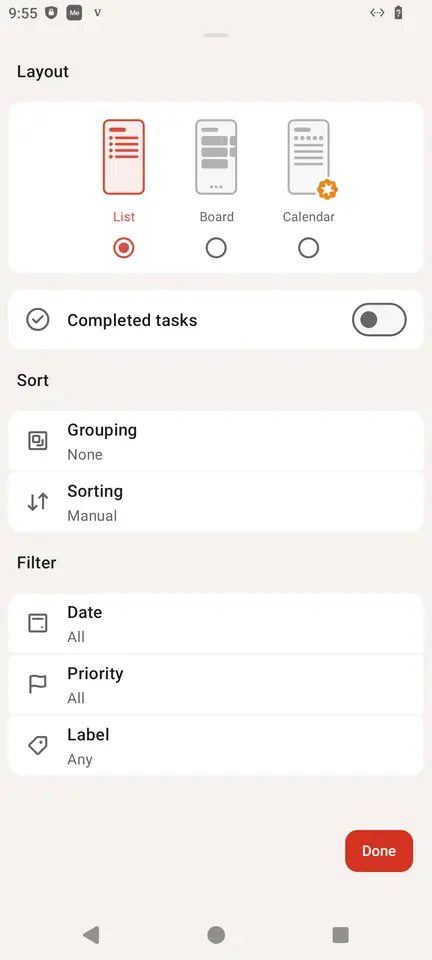
Todoist · Home & browsing
10 screens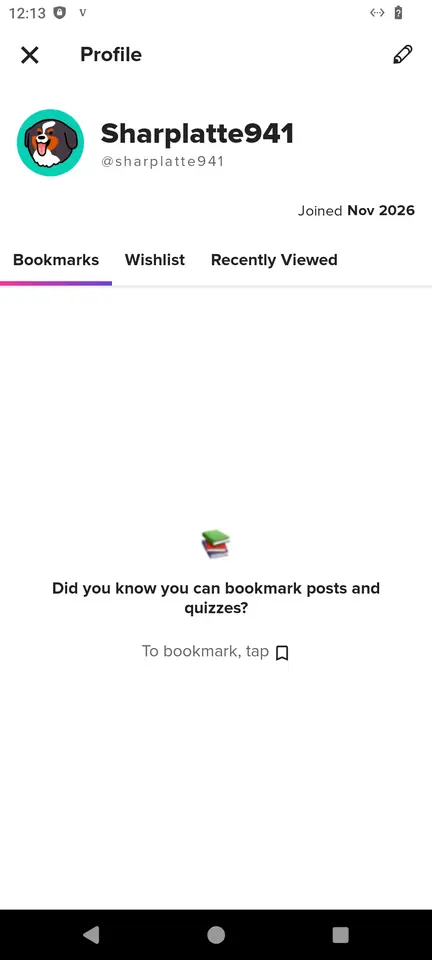
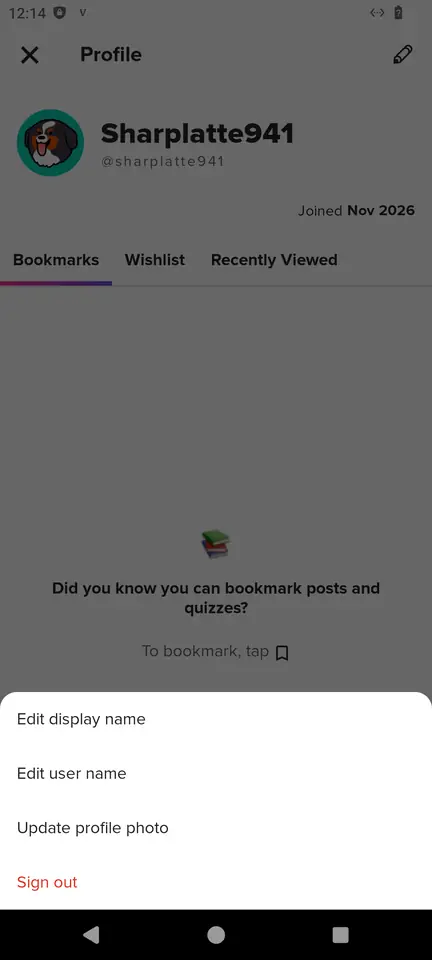
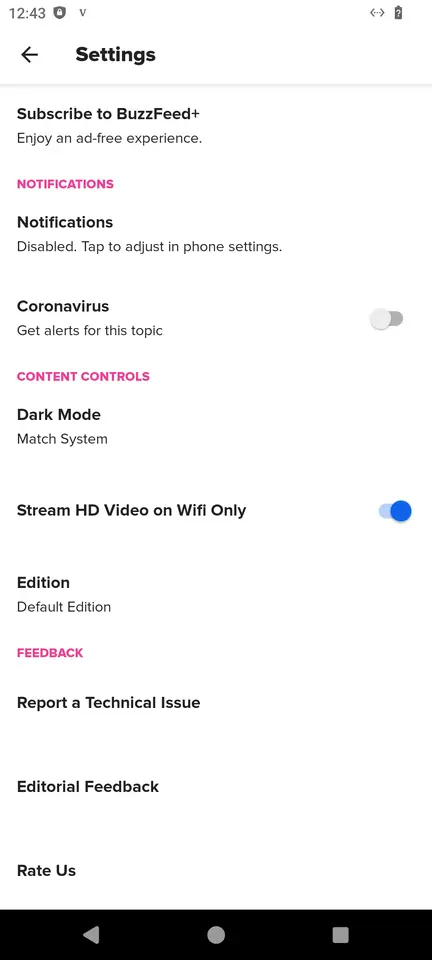
BuzzFeed · Settings
9 screens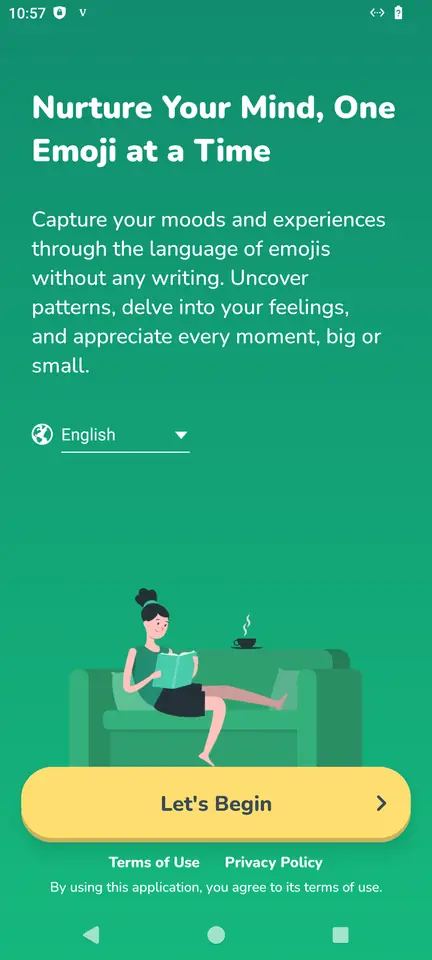
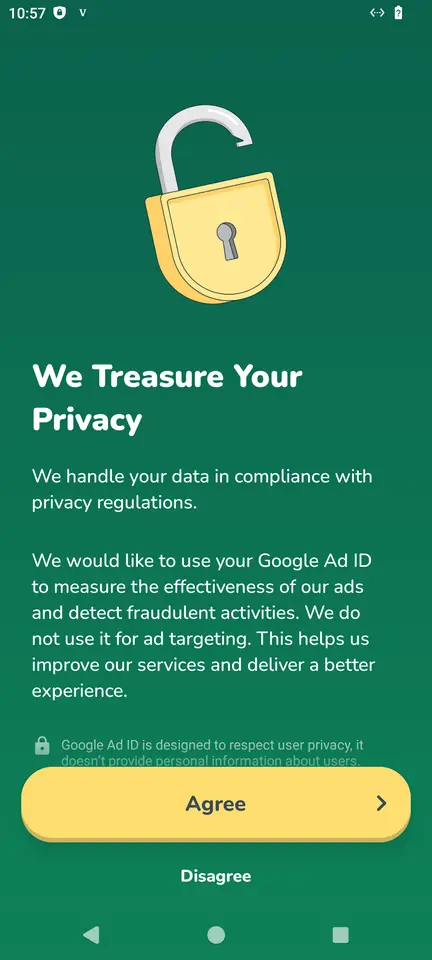
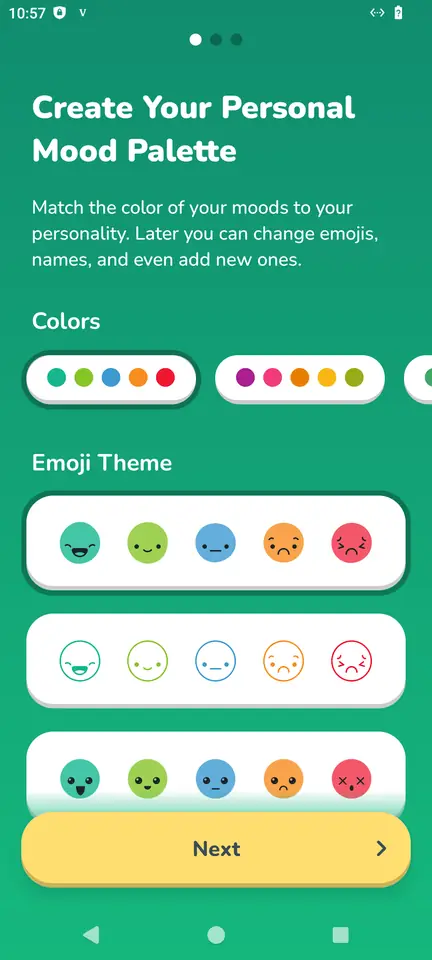
Daylio · Onboarding
8 screens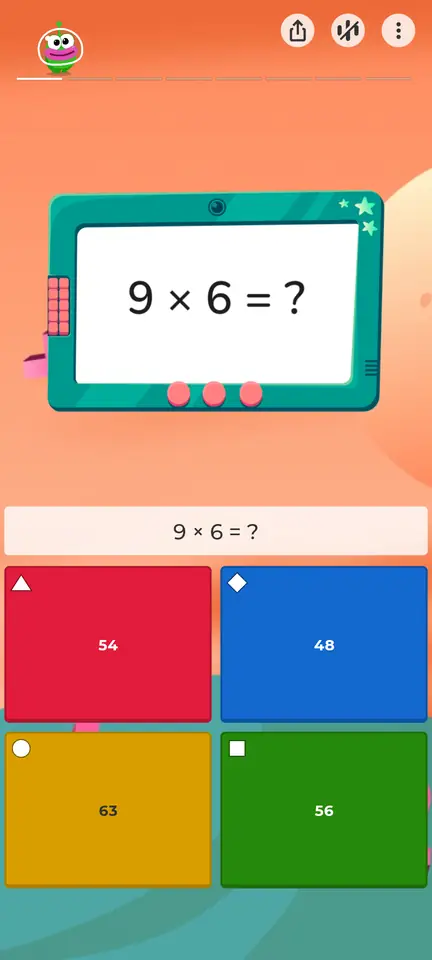
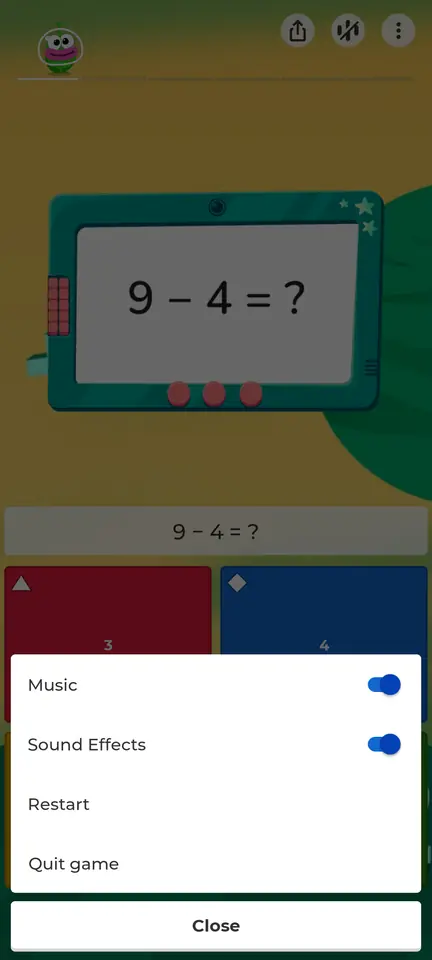
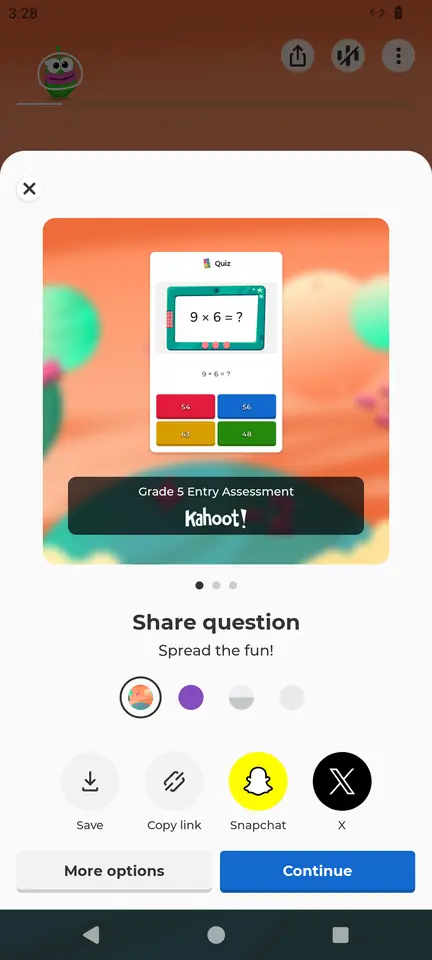
Kahoot! · Home & browsing
7 screens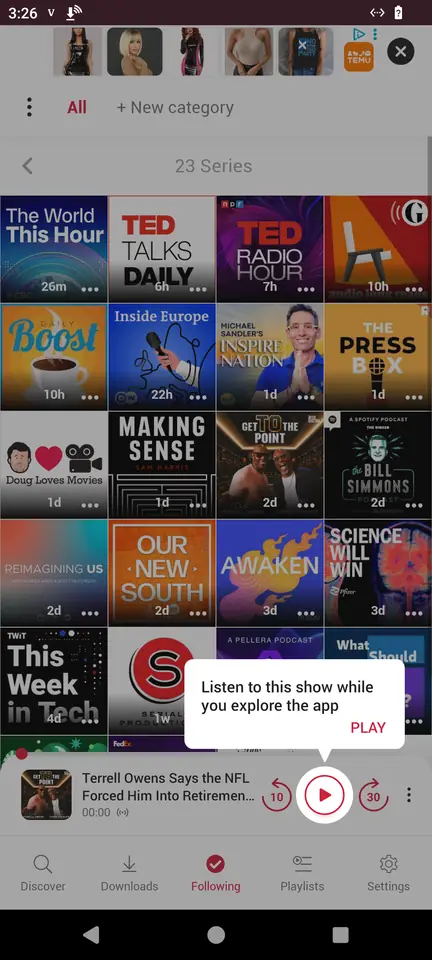
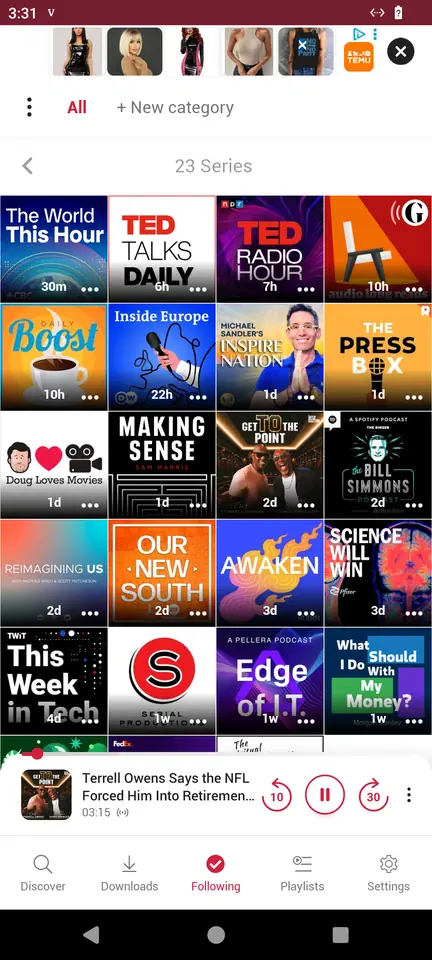
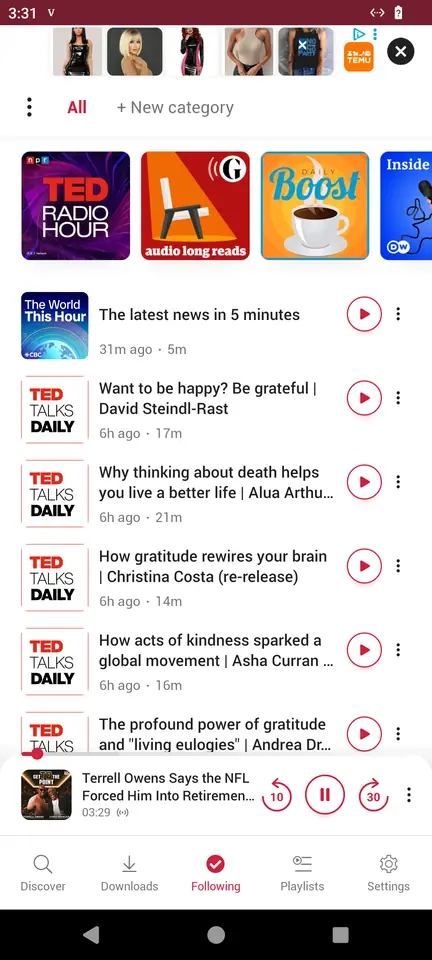
Player FM · Home & browsing
7 screens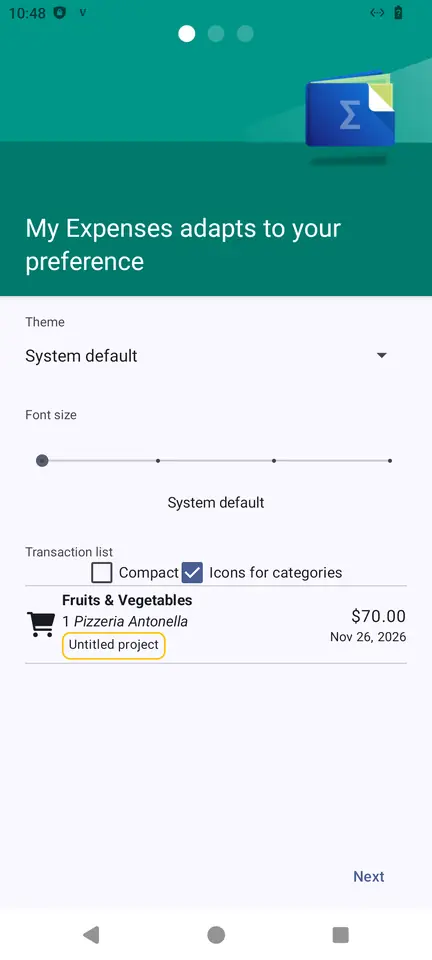
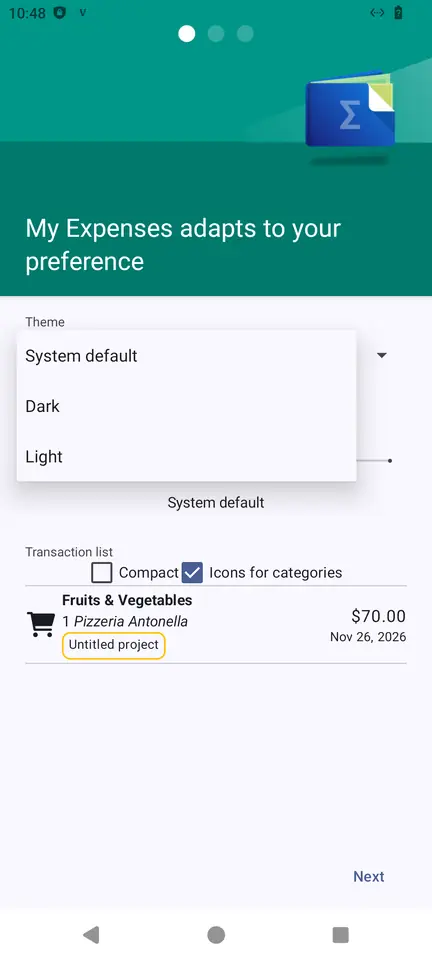
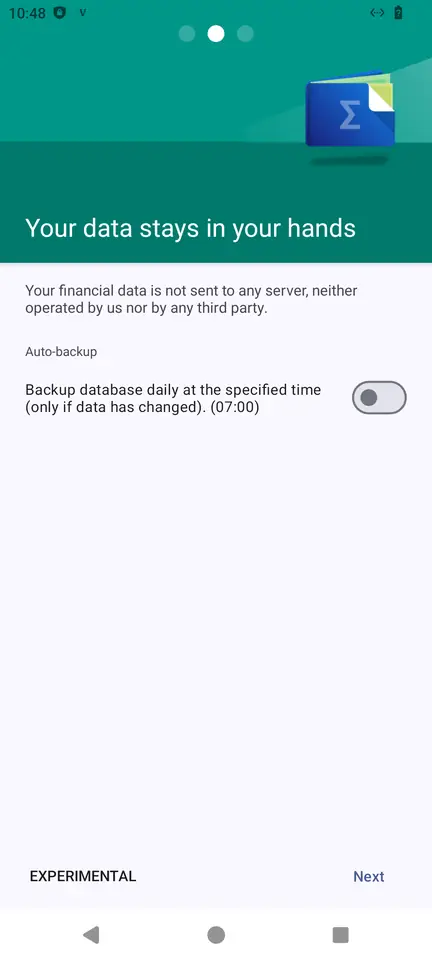
My Expenses · Onboarding
6 screensFAQ
What is a toggle switch?
A toggle switch is an on/off control for a single setting that takes effect immediately — notifications on, dark mode off. It looks like a small track with a thumb that slides between two states.
What is a toggle switch called on Android?
Switch / SwitchMaterial / SwitchCompat in Views, Switch in Compose. A ToggleButton is the older text-labelled variant. It is also known as switch, on/off switch and toggle button.
Which Android apps use a toggle switch?
In the UI Lane library, 30 of 256 Android apps show a toggle switch on the screens we captured, including BuzzFeed, NFL, ESPN, Mindvalley, TED and Calm.
How do I design a good toggle switch?
Use a switch only when the change applies instantly; use a checkbox when the user must press Save. Label the setting, not the state (“Push notifications”, not “On”). Make the whole row tappable, not only the small thumb.
Detected in the view hierarchy of screens captured on real Android devices · last updated 2026-11-14