Home/Android UI/Android login screen UI
Android UI · Login screens

Android login screen UI: what 123 real apps are built from

Across 238 login screens from 123 apps, the most common detected components are text field (39% of screens), button (24% of screens) and password field (14% of screens). Measured from the Android view hierarchy of every login screen in the UI Lane library.

Android123 apps238 screensfree & ungated

Every screen, as a gallery: Login screen examples.

What is a login screen?

A login screen is where a returning user signs in to an app — usually with email and password, a one-time code, or a social account such as Google, Facebook or Apple — and where a new user can switch to sign-up.

UI components on Android login screens

Share of the 238 login screens where each component is present in the view hierarchy and drawn on screen. The example shows it outlined.
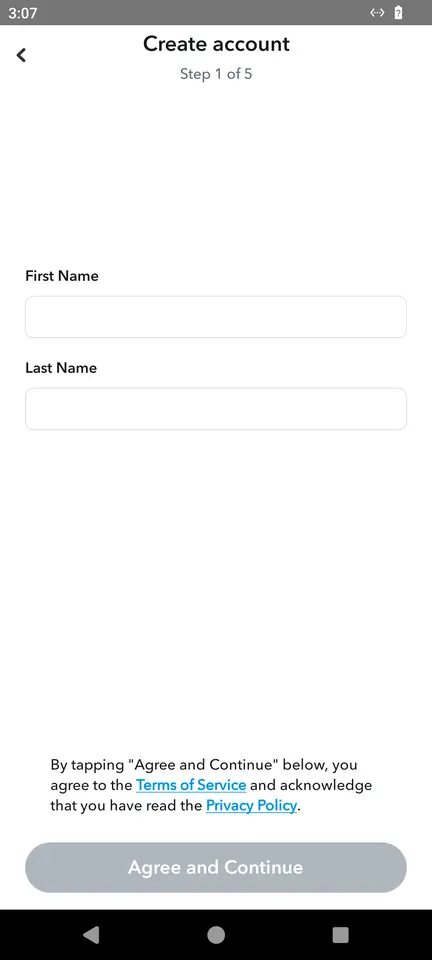
Snapchat Android screen 3 — sign-in: Create account

Text field

93 screens39%

68 apps · example: Snapchat

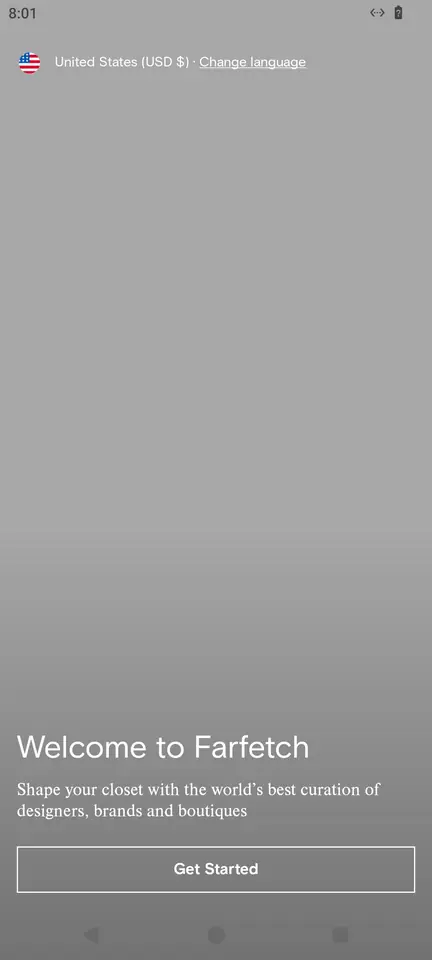
FARFETCH Android screen 1 — sign-in: United States (USD $) ·

Button

57 screens24%

42 apps · example: FARFETCH

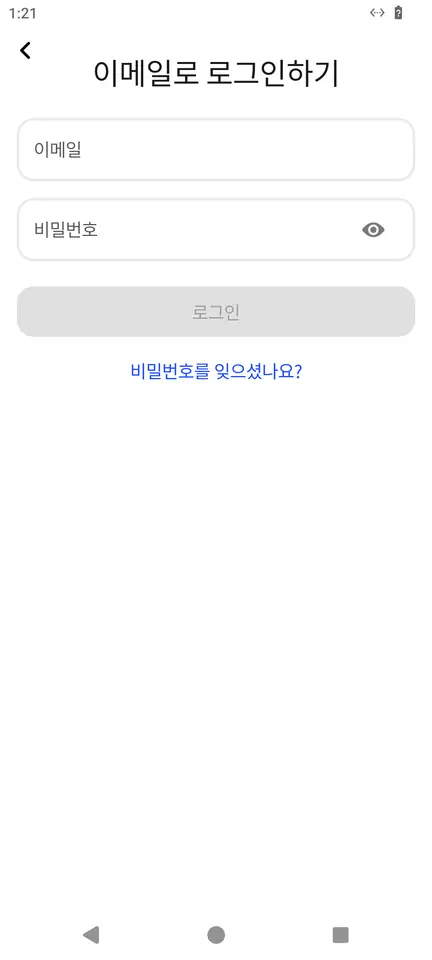
Speak Android screen 6 — sign-in: 이메일로 로그인하기 (Korean UI)

Password field

33 screens14%

27 apps · example: Speak

FARFETCH Android screen 4 — sign-in: Search

Toolbar

26 screens11%

20 apps · example: FARFETCH

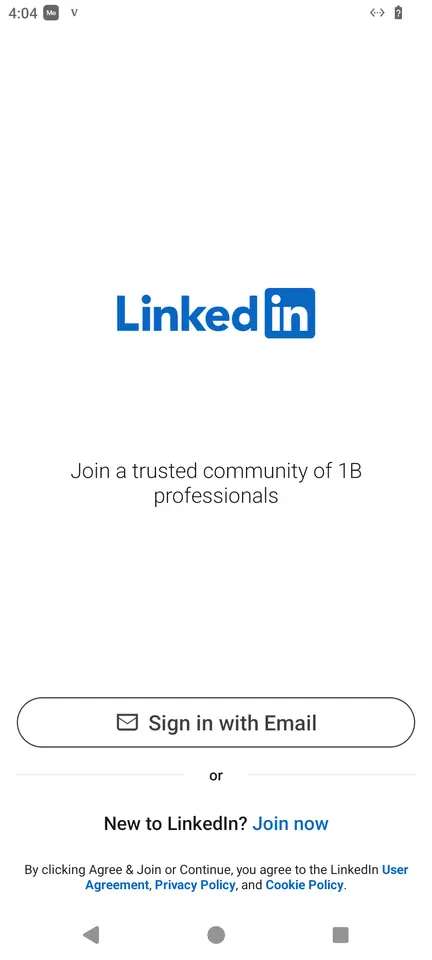
LinkedIn Android screen 1 — sign-in: Join a trusted community of 1B professionals

Divider

25 screens11%

21 apps · example: LinkedIn

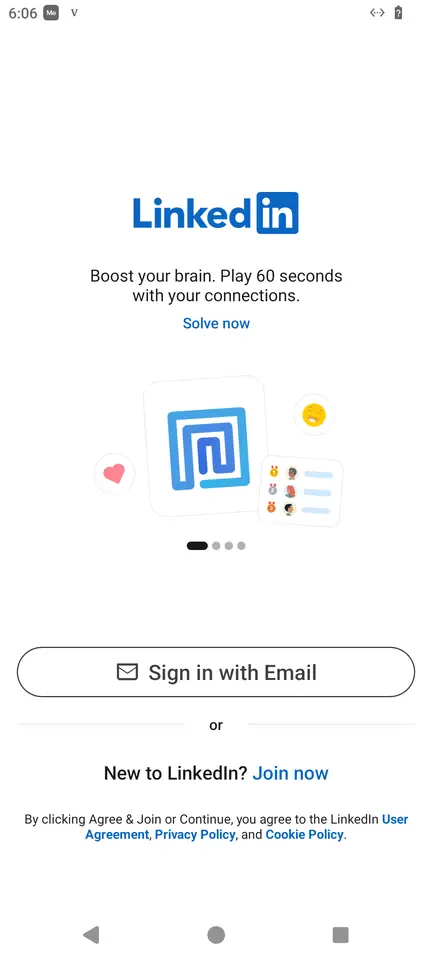
LinkedIn Android screen 5 — sign-in: Boost your brain. Play 60 seconds with your connections.

Page indicator dots

19 screens8%

18 apps · example: LinkedIn

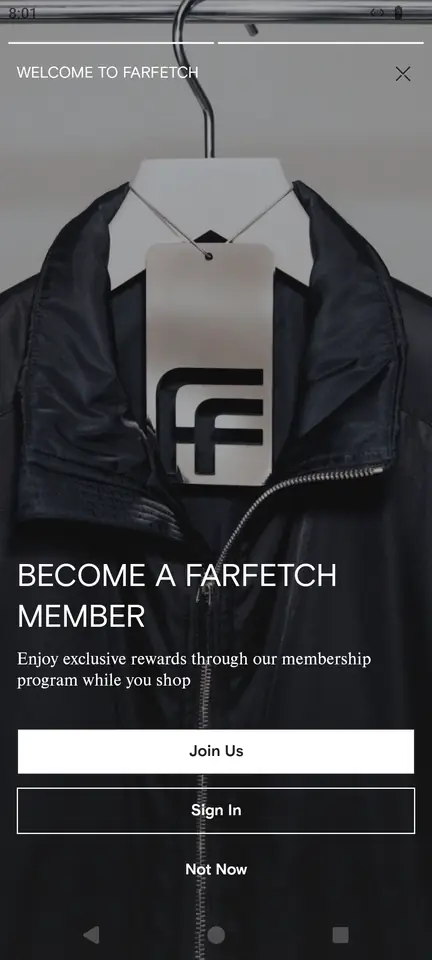
FARFETCH Android screen 3 — sign-in: BECOME A FARFETCH MEMBER

Icon button

13 screens5%

12 apps · example: FARFETCH

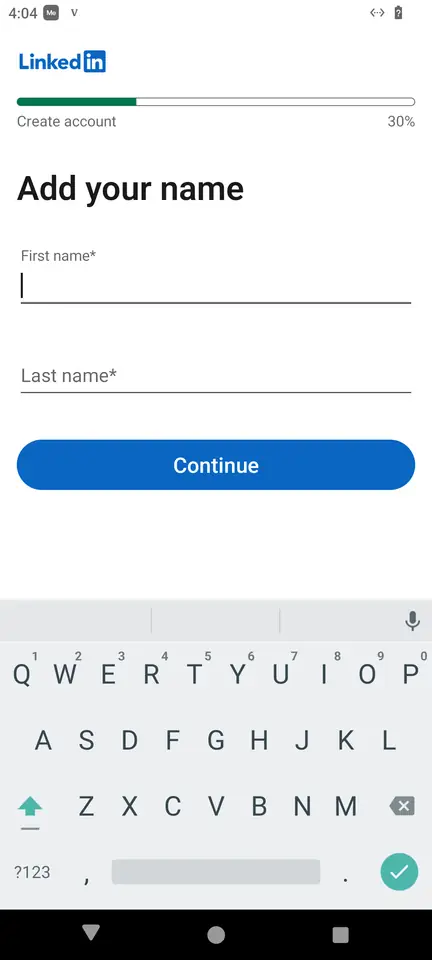
LinkedIn Android screen 2 — sign-in: Create account

Progress bar

13 screens5%

7 apps · example: LinkedIn

FARFETCH Android screen 4 — sign-in: Search

Tab bar

11 screens5%

7 apps · example: FARFETCH

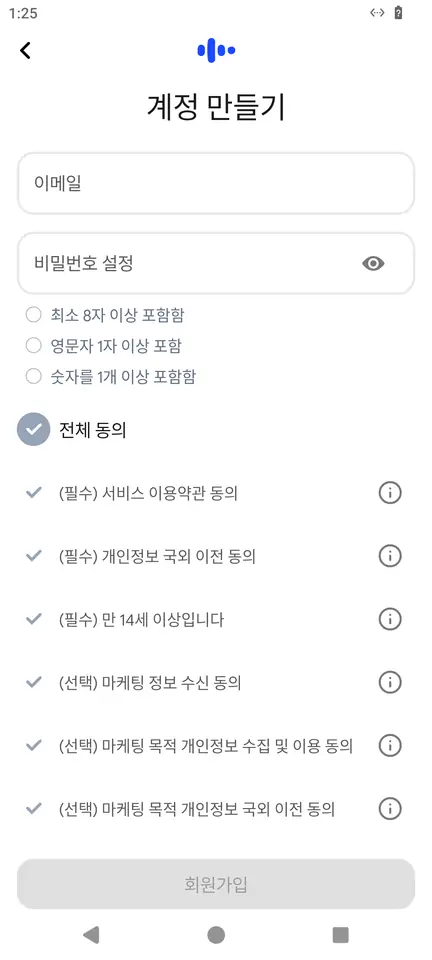
Speak Android screen 8 — sign-in: 계정 만들기 (Korean UI)

Checkbox

9 screens4%

8 apps · example: Speak

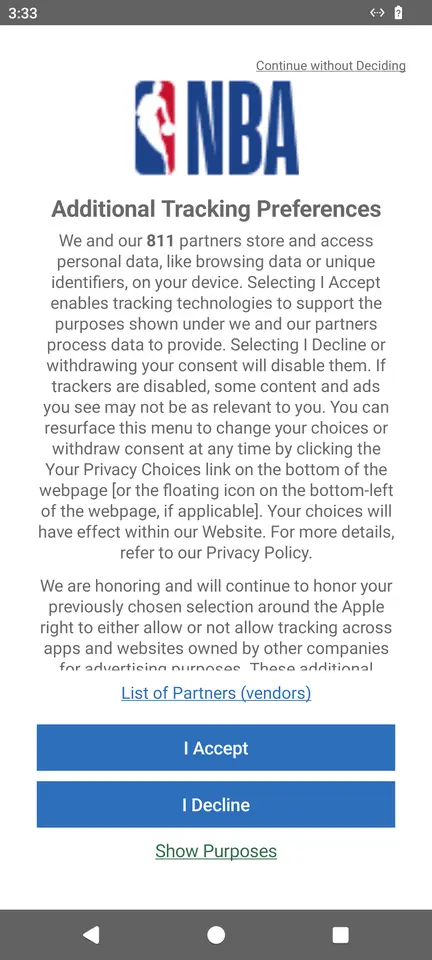
NBA Android screen 1 — sign-in: Continue without Deciding

Bottom sheet

5 screens2%

5 apps · example: NBA

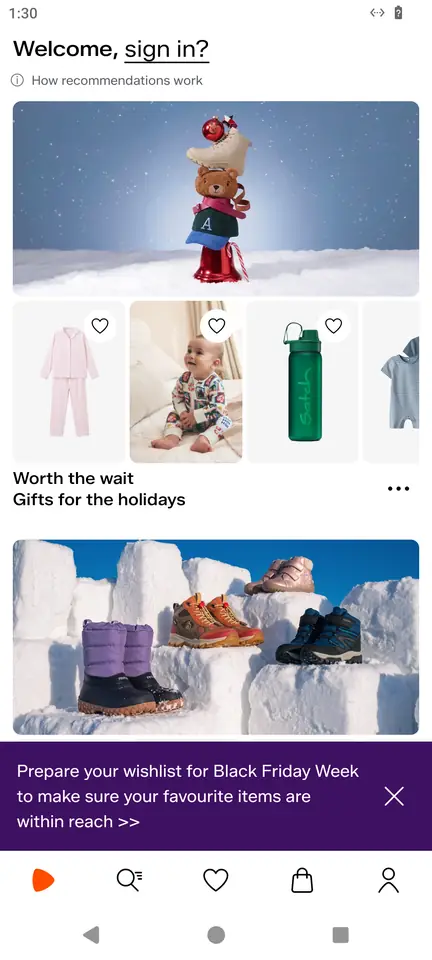
Zalando Android screen 8 — sign-in: Welcome,

Card

5 screens2%

5 apps · example: Zalando

FARFETCH Android screen 4 — sign-in: Search

Badge

3 screens1%

2 apps · example: FARFETCH

LinkedIn Android screen 5 — sign-in: Boost your brain. Play 60 seconds with your connections.

Carousel

3 screens1%

3 apps · example: LinkedIn

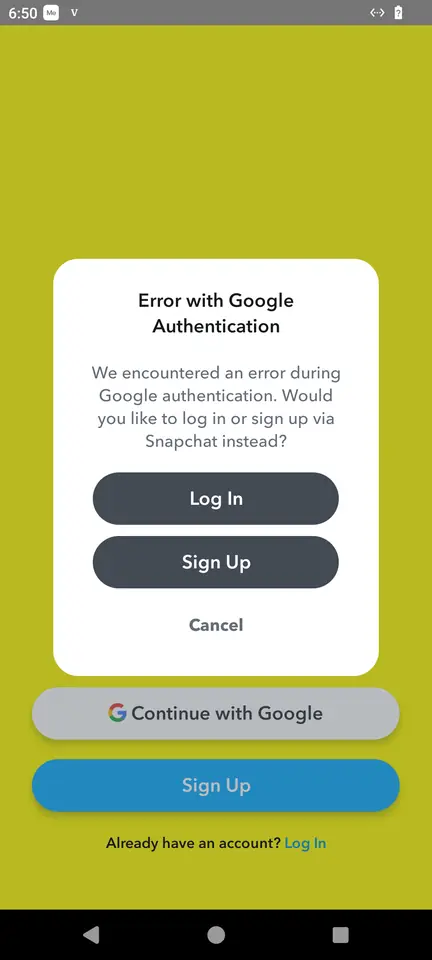
Snapchat Android screen 9 — sign-in: Error with Google Authentication

Dialog

3 screens1%

3 apps · example: Snapchat

Groupon Android screen 1 — sign-in: Select region, USA

Loading spinner

3 screens1%

1 app · example: Groupon

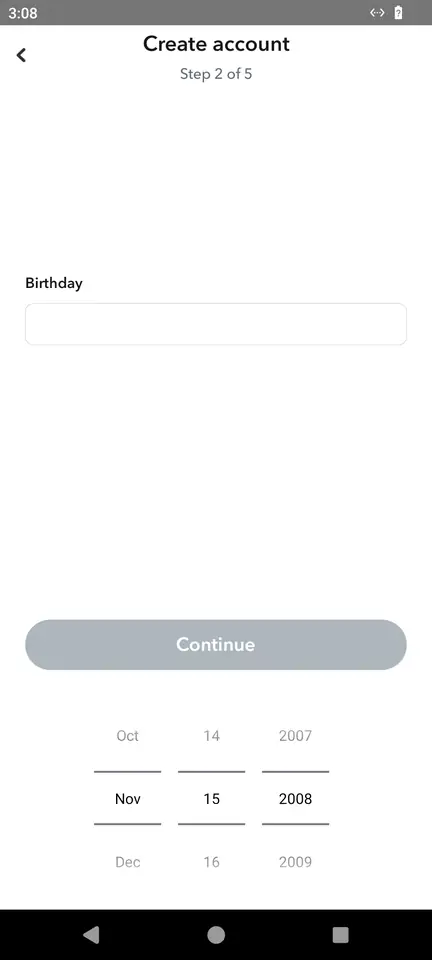
Snapchat Android screen 4 — sign-in: Birthday

Wheel picker

3 screens1%

1 app · example: Snapchat

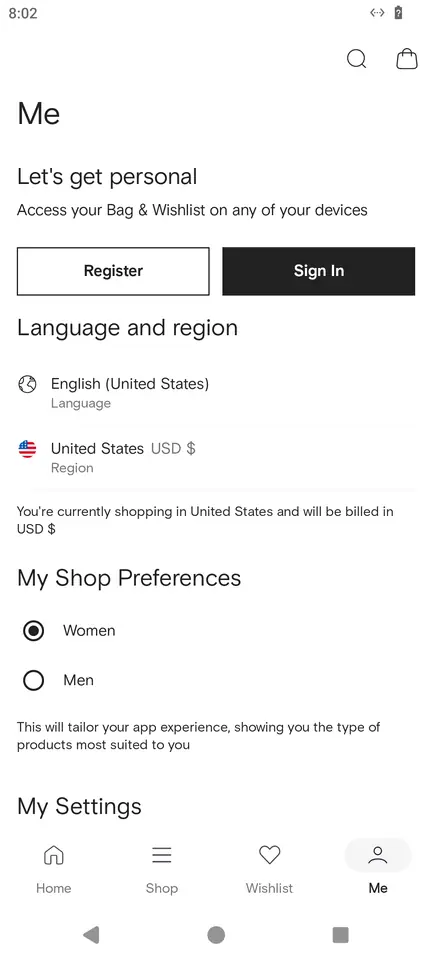
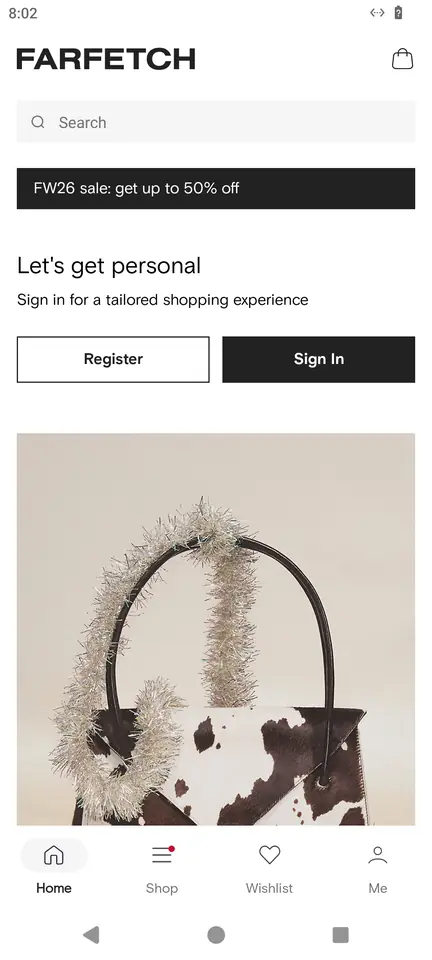
FARFETCH Android screen 6 — sign-in: Let's get personal

Radio button

2 screens1%

2 apps · example: FARFETCH

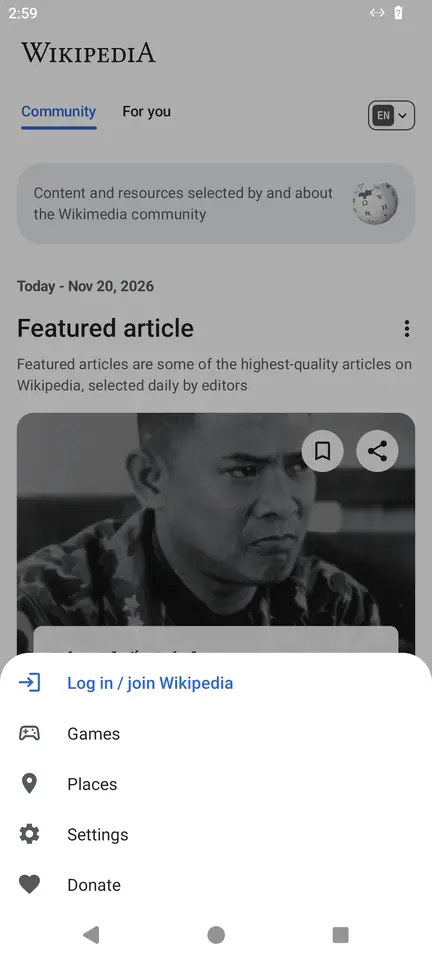
Wikipedia Android screen 17 — sign-in: Log in / join Wikipedia

Avatar

1 screens0%

1 app · example: Wikipedia

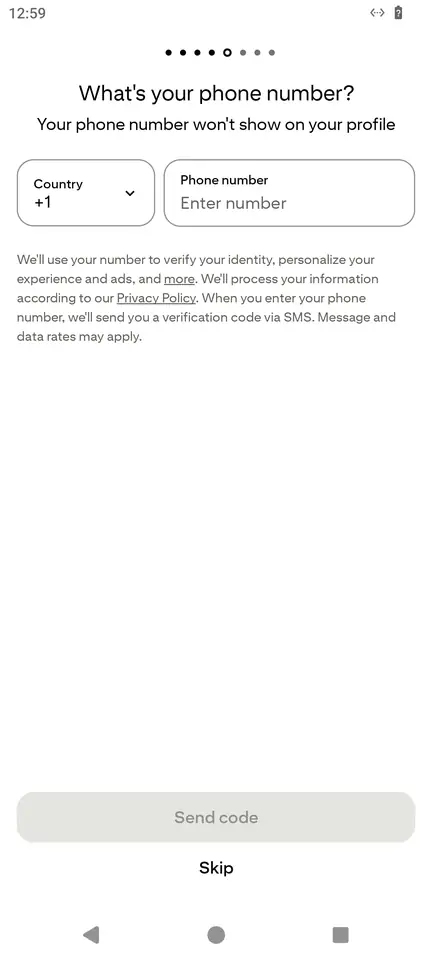
Pinterest Android screen 5 — sign-in: What's your phone number?

Dropdown menu

1 screens0%

1 app · example: Pinterest

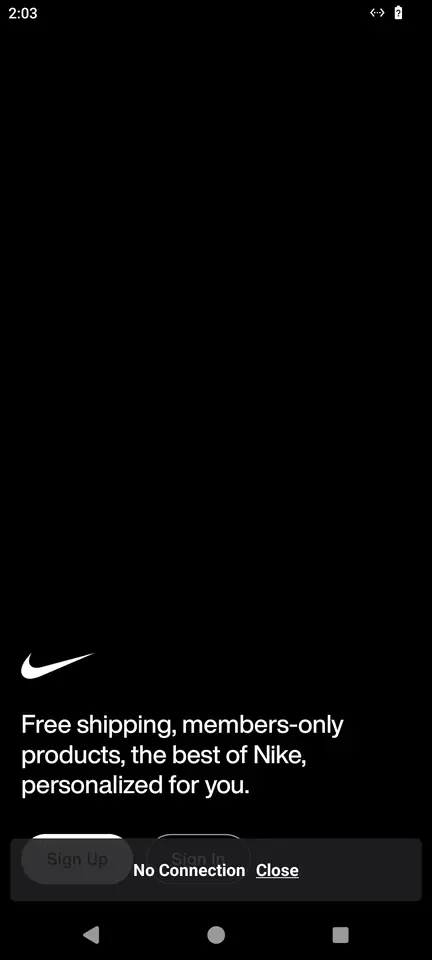
Nike Android screen 1 — sign-in: Free shipping, members-only products, the best of Nike…

Snackbar

1 screens0%

1 app · example: Nike

UI patterns on Android login screens

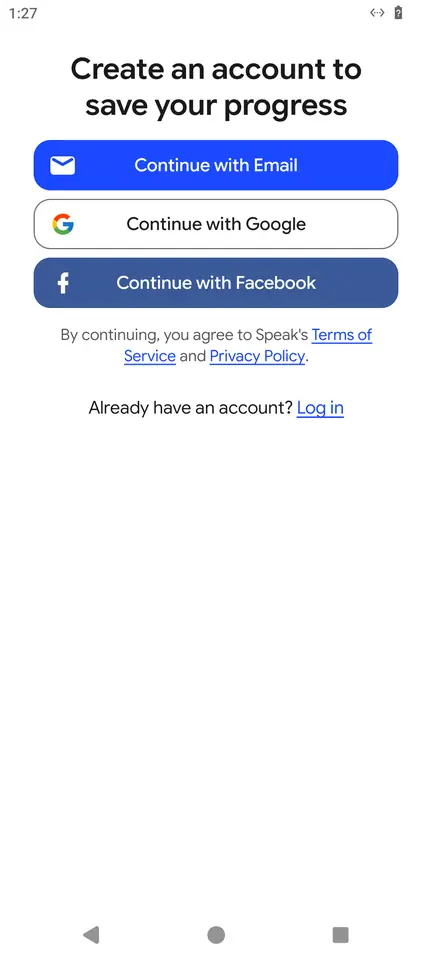
Speak Android screen 11 — sign-in: Create an account to save your progress

Email sign-up form

68 of 123 apps55%

example: Speak

Snapchat Android screen 9 — sign-in: Error with Google Authentication

Social login buttons

60 of 123 apps49%

example: Snapchat

Snapchat Android screen 3 — sign-in: Create account

Terms and conditions agreement

48 of 123 apps39%

example: Snapchat

FARFETCH Android screen 3 — sign-in: BECOME A FARFETCH MEMBER

Skip button

28 of 123 apps23%

example: FARFETCH

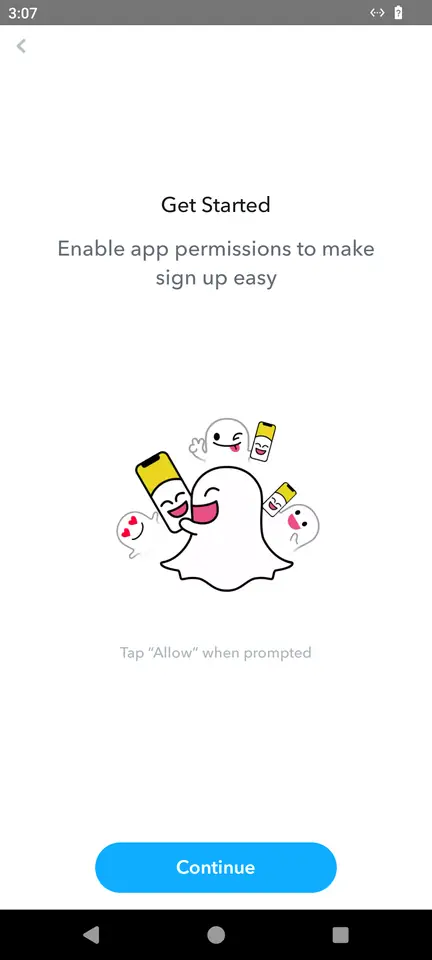
Snapchat Android screen 1 — sign-in: Get Started

Welcome screen

23 of 123 apps19%

example: Snapchat

Asbury Park Press Android screen 5 — sign-in: Welcome screen, use buttons at the bottom of the screen to…

Pricing plans

12 of 123 apps10%

example: Asbury Park Press

LinkedIn Android screen 1 — sign-in: Join a trusted community of 1B professionals

Cookie consent banner

8 of 123 apps7%

example: LinkedIn

Speak Android screen 11 — sign-in: Create an account to save your progress

Registration wall

7 of 123 apps6%

example: Speak

Snapchat Android screen 3 — sign-in: Create account

Onboarding progress indicator

6 of 123 apps5%

example: Snapchat

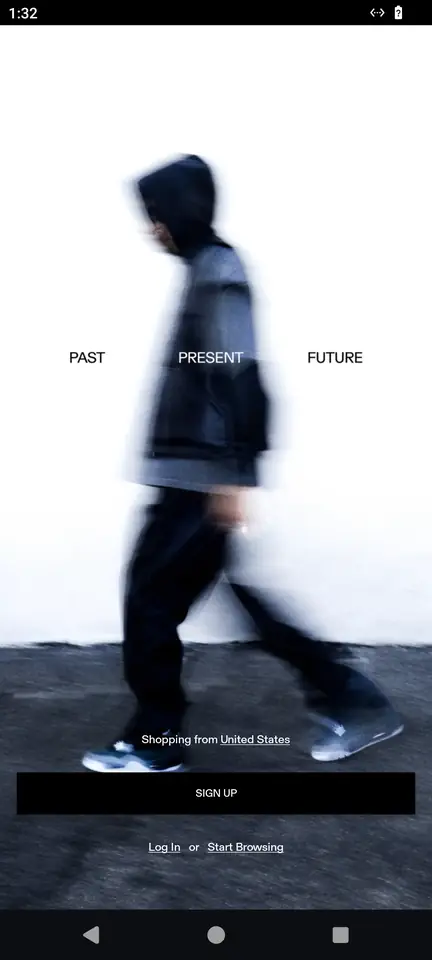
GOAT Android screen 2 — sign-in: Shopping from United States

Guest mode

4 of 123 apps3%

example: GOAT

FARFETCH Android screen 1 — sign-in: United States (USD $) ·

Language selector

4 of 123 apps3%

example: FARFETCH

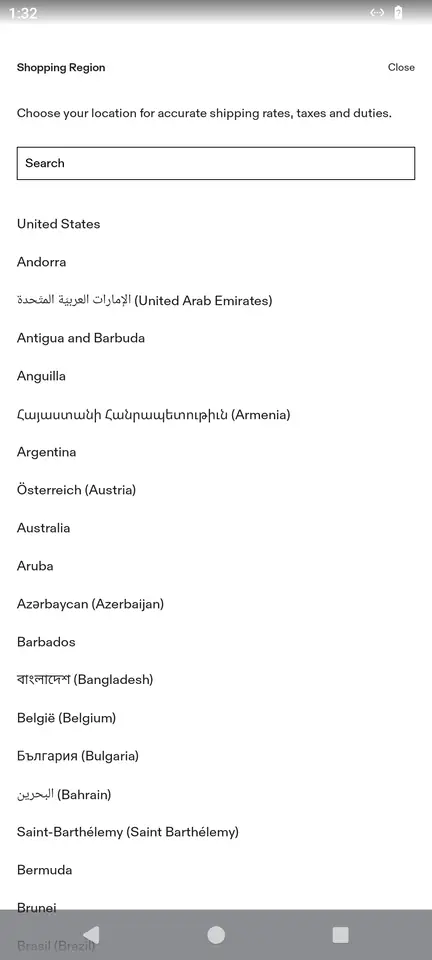
GOAT Android screen 1 — sign-in: United States

Location & store picker

4 of 123 apps3%

example: GOAT

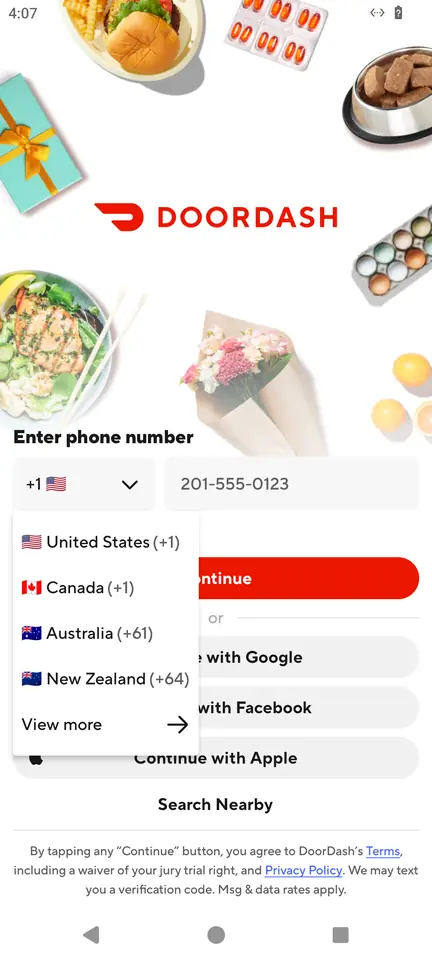
DoorDash Android screen 1 — sign-in: 🇺🇸 United States

Phone number verification

4 of 123 apps3%

example: DoorDash

FARFETCH Android screen 4 — sign-in: Search

Promo banner

4 of 123 apps3%

example: FARFETCH

Snapchat Android screen 4 — sign-in: Birthday

Onboarding survey

3 of 123 apps2%

example: Snapchat

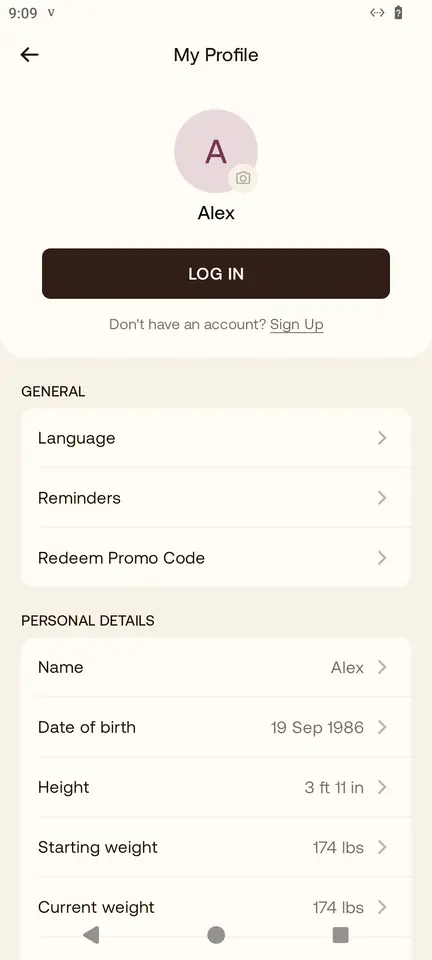
BetterMe Android screen 56 — sign-in: avatar

Age gate

2 of 123 apps2%

example: BetterMe

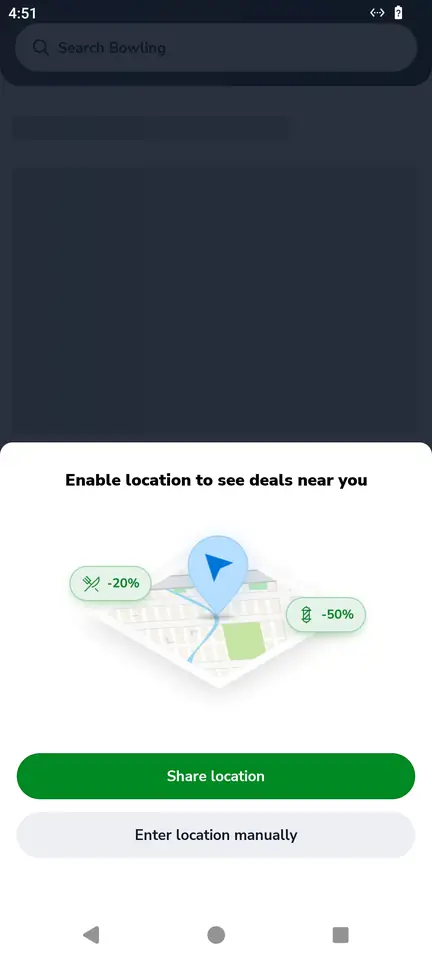
Groupon Android screen 1 — sign-in: Select region, USA

Permission priming

2 of 123 apps2%

example: Groupon

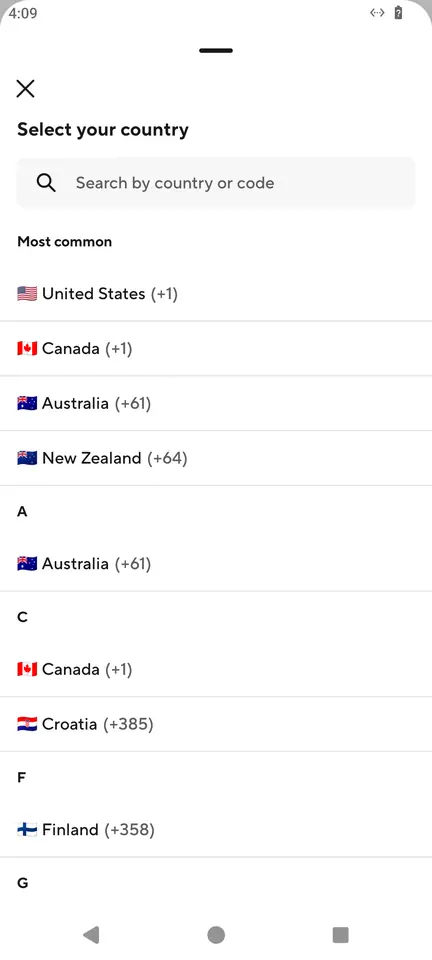
DoorDash Android screen 2 — sign-in: Select your country

Search bar

2 of 123 apps2%

example: DoorDash

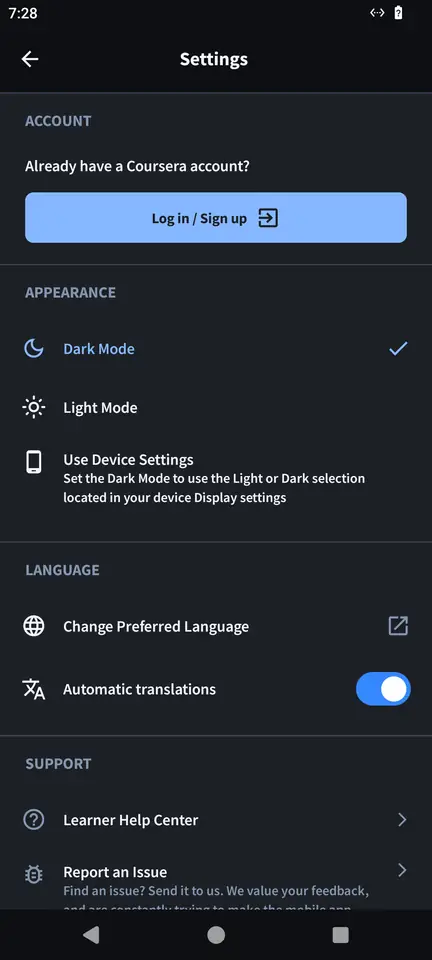
Coursera Android screen 5 — sign-in: ACCOUNT

Dark mode toggle

1 of 123 apps1%

example: Coursera

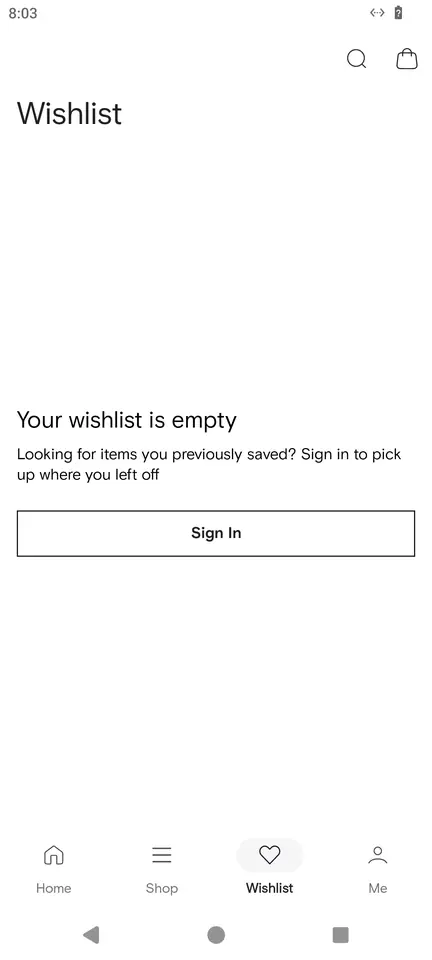
FARFETCH Android screen 8 — sign-in: Wishlist

Empty state

1 of 123 apps1%

example: FARFETCH

Building it on Android

  • On Android the platform way to sign in with Google is Credential Manager (it replaced the legacy Google Sign-In SDK), which shows a system bottom sheet instead of a full screen.
  • Mark fields with the right autofill hints (username, password, one-time code) so Android Autofill and password managers can fill them.
  • SMS one-time codes can be read automatically with the SMS User Consent or SMS Retriever APIs.

By app category

Books & reading23
Health & fitness18
Productivity & tools18
Streaming & entertainment14
Education10
Social10
Shopping & e-commerce8
Language learning5

Apps with login screens in the library, by category.

FAQ

What UI components do Android login screens use?

Across 238 login screens from 123 apps, the most common detected components are text field (39% of screens), button (24% of screens) and password field (14% of screens).

How do you build a login screen on Android?

On Android the platform way to sign in with Google is Credential Manager (it replaced the legacy Google Sign-In SDK), which shows a system bottom sheet instead of a full screen. Mark fields with the right autofill hints (username, password, one-time code) so Android Autofill and password managers can fill them. SMS one-time codes can be read automatically with the SMS User Consent or SMS Retriever APIs.

Which UI patterns are common on Android login screens?

On the 123 apps we captured, the most common are email sign-up form (68 apps), social login buttons (60 apps) and terms and conditions agreement (48 apps).

Measured on screens captured on real Android devices · last updated 2026-11-14